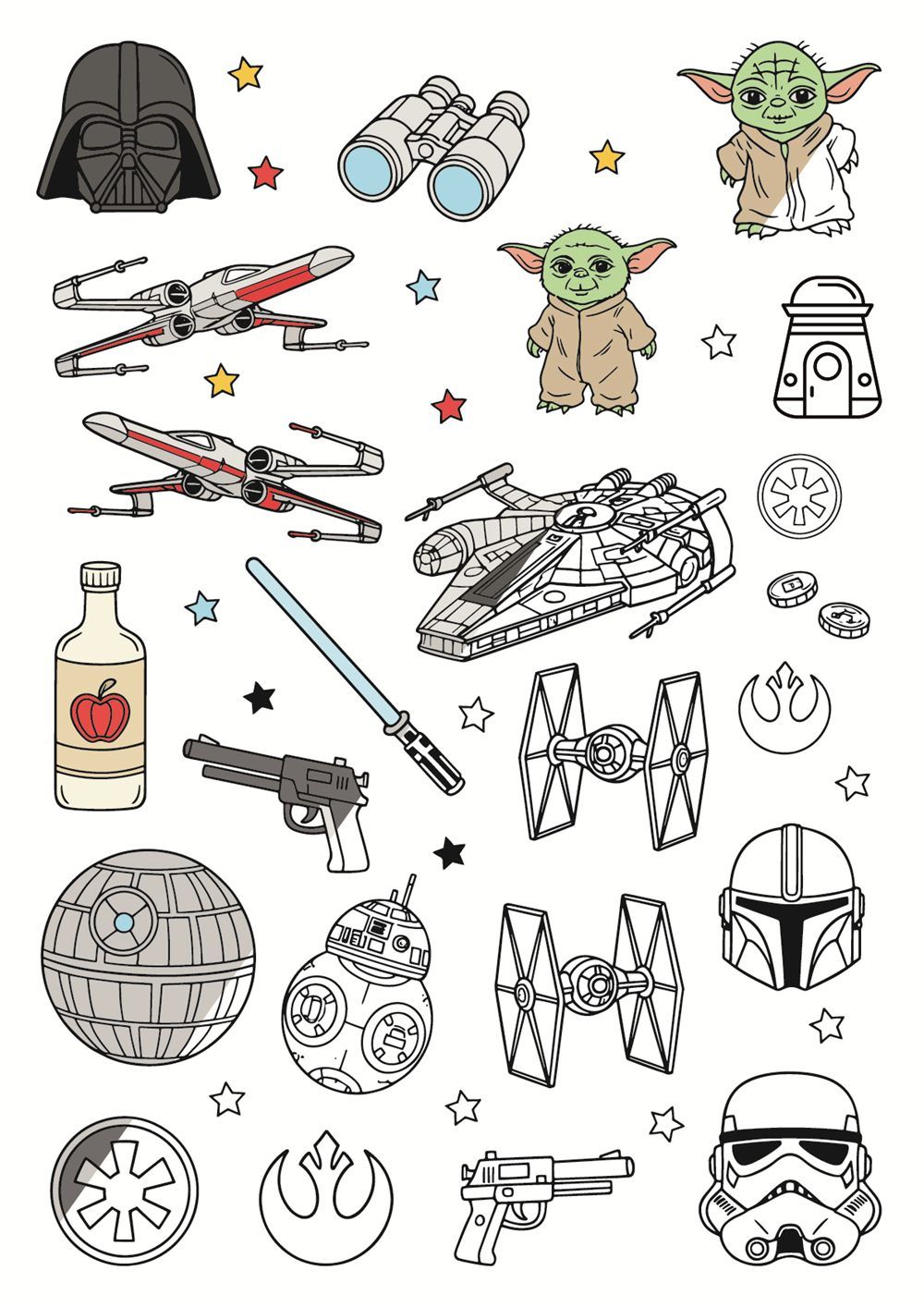
Star Wars: helmets, droids and ships
A Star Wars sticker pack: Darth Vader, Grogu, starfighters, a frigate, stormtroopers, the Death Star, droids and a lightsaber. Colour vector art.
View pack
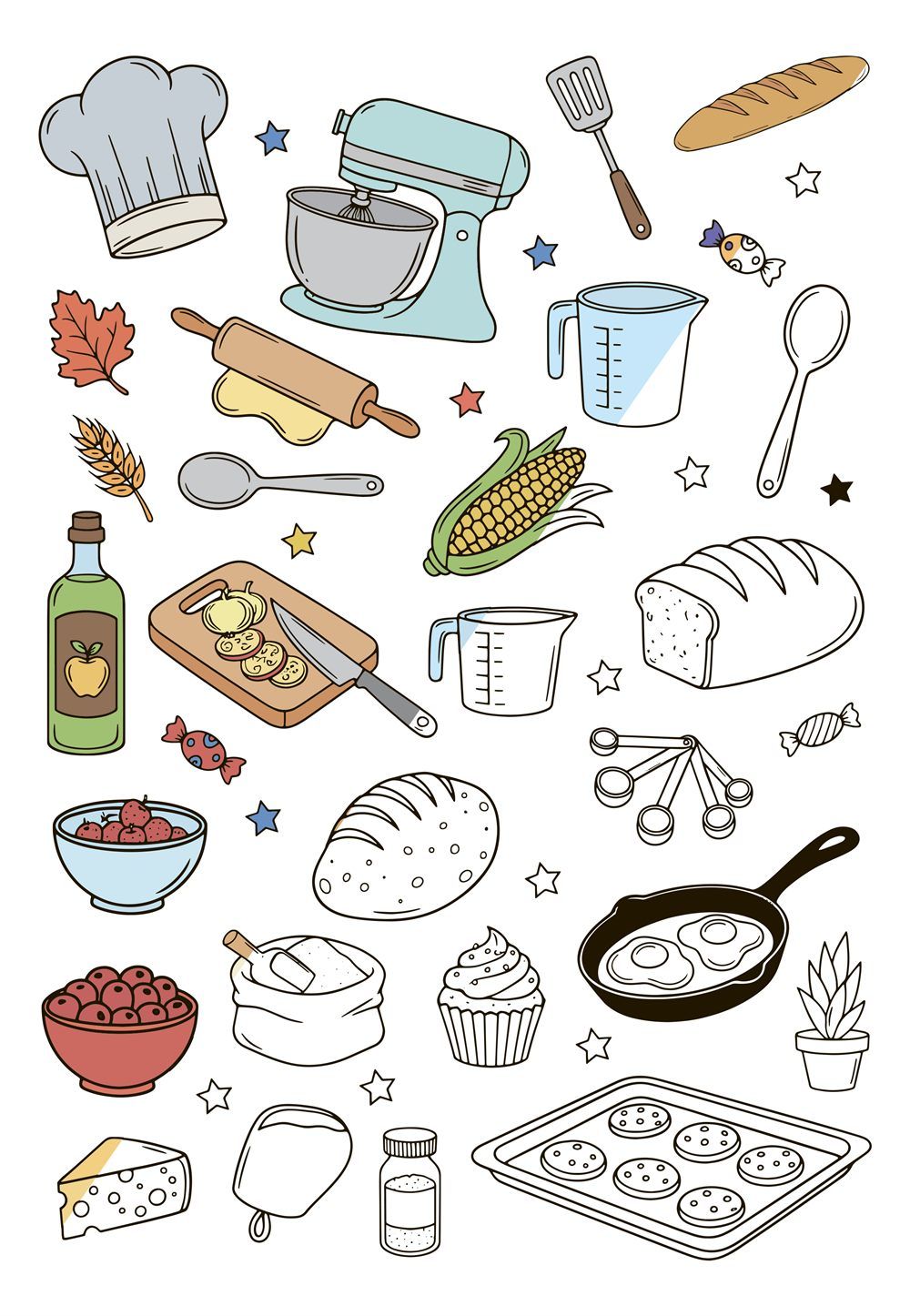
A vector culinary sticker pack: a chef's hat, a mixer, a rolling pin, bread, corn, eggs, pancakes in a pan and a muffin. In colour and outline.
The file opens on Boosty right after payment. Every sticker is a vector object with a transparent background: pick the ones you need and drop them into your layout.
← All sticker packs in the boxIn the archive
The pack formats are listed on Boosty: the archive contents change if the author adds to the pack.
Strengths
Working with the file
The pack files open on Boosty right after payment.
AI and EPS open in Adobe Illustrator, CorelDRAW and Inkscape; SVG opens in a browser and in Figma.
Every sticker is a separate object or group: drag what you need onto the sheet, group those objects and delete the rest.
Fills and strokes are editable: the brand colour is set in under a minute.
For print, save a PDF in CMYK document mode; for interfaces, a PNG with a transparent background.
The set is about the whole kitchen: not just the dishes but the process too. That means it can build both an illustration for a recipe and a design for a confectionery.
Large objects: a chef’s hat, a mixer with a bowl, a rolling pin, a spatula, a measuring jug, a spoon, corn, bread, a bowl of berries, a cast-iron pan with two pancakes, a muffin with cream, a slice of cheese, a cookie, a baking tray with cookies, a bag of flour, a jar and a little pot. Small: a maple leaf, an ear of wheat, a stack of cups for weighing, onion stars, sweets, a succulent, a bottle of syrup and a bottle of apple juice.
You can assemble a step-by-step recipe: ingredients, cookware, finished dish. The large dishes suit a menu; cheese, a muffin and a cup suit a card.
The colours of the cookware and the packaging — to match the corporate style of the venue.
Who it is for
Terms
The same set of terms applies to every sticker pack in the box.
The terms are the same for all sticker packs in the box.
Questions
Yes, you can illustrate the steps with the set: ingredients, cookware and finished dishes are all on one sheet.
The formats are not listed in this post — the contents of the pack are on the pack page on Boosty after payment.
About the packs
A group of vector stickers on a single theme plus one file with the sources: AI, EPS, PDF and SVG, depending on the pack. The full contents are listed on the pack page on Boosty.
Yes, the packs marked “print ready” are built in CMYK document mode. The rest are exported to CMYK by hand: the colours in the sources are defined in RGB and have to be converted to CMYK before output.
Yes, all the objects are vector: fills and strokes are editable, so a sticker is easy to bring into a brand palette.
The “Download this sticker pack” button opens the pack page on Boosty, where the files are available after payment.
Yes, personal and commercial use are allowed; the resale terms are in the “Licence and resale” block on the pack page.
More in the box
Packs from the “Kitchen and coffee shop” theme — the same style and the same file format.
A Star Wars sticker pack: Darth Vader, Grogu, starfighters, a frigate, stormtroopers, the Death Star, droids and a lightsaber. Colour vector art.
View pack
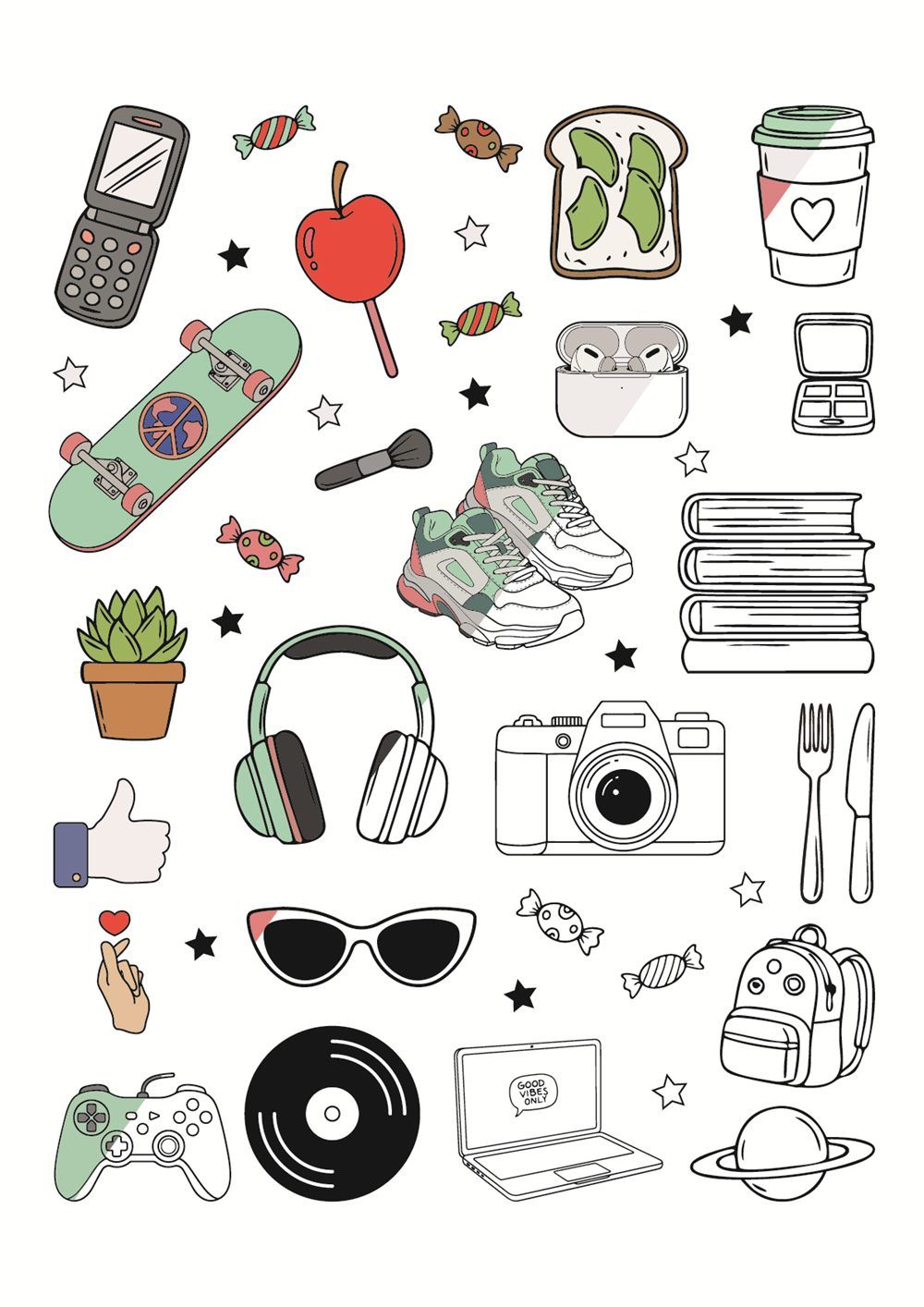
A vector youth sticker set: a keypad phone, sneakers, headphones, a camera, vinyl, a skateboard, a backpack and a laptop.
View pack
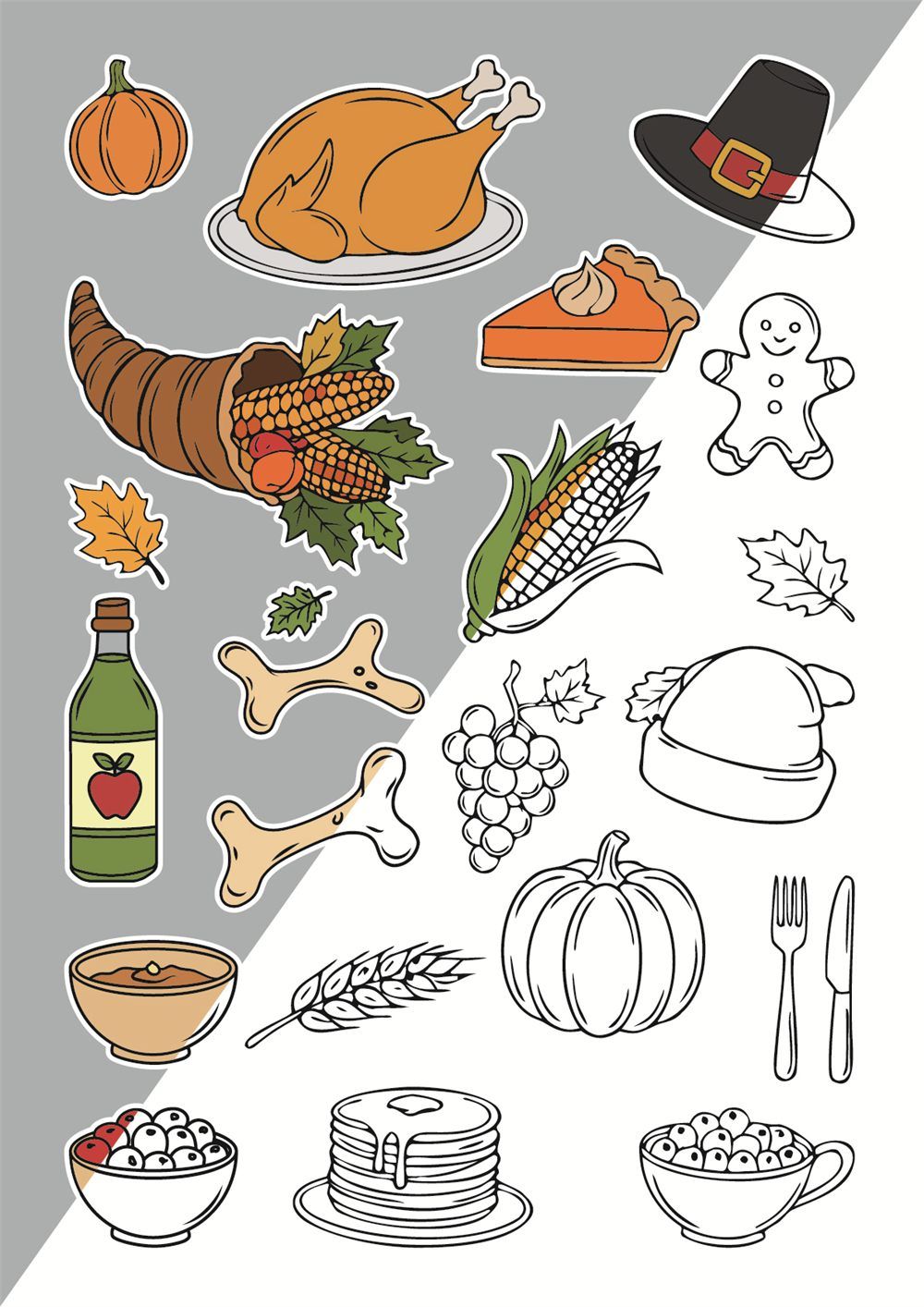
An autumn sticker pack in a hand-drawn style: a turkey, roast chicken, pumpkin pie, gingerbread, corn, pancakes and berries.
View pack
The box contains sticker packs of different themes: office, medicine and paediatrics, animals, retro tech, science fiction, cooking and Halloween. The packs do not overlap, so they can be combined in a single layout.
On air