Green energy and renewable sources
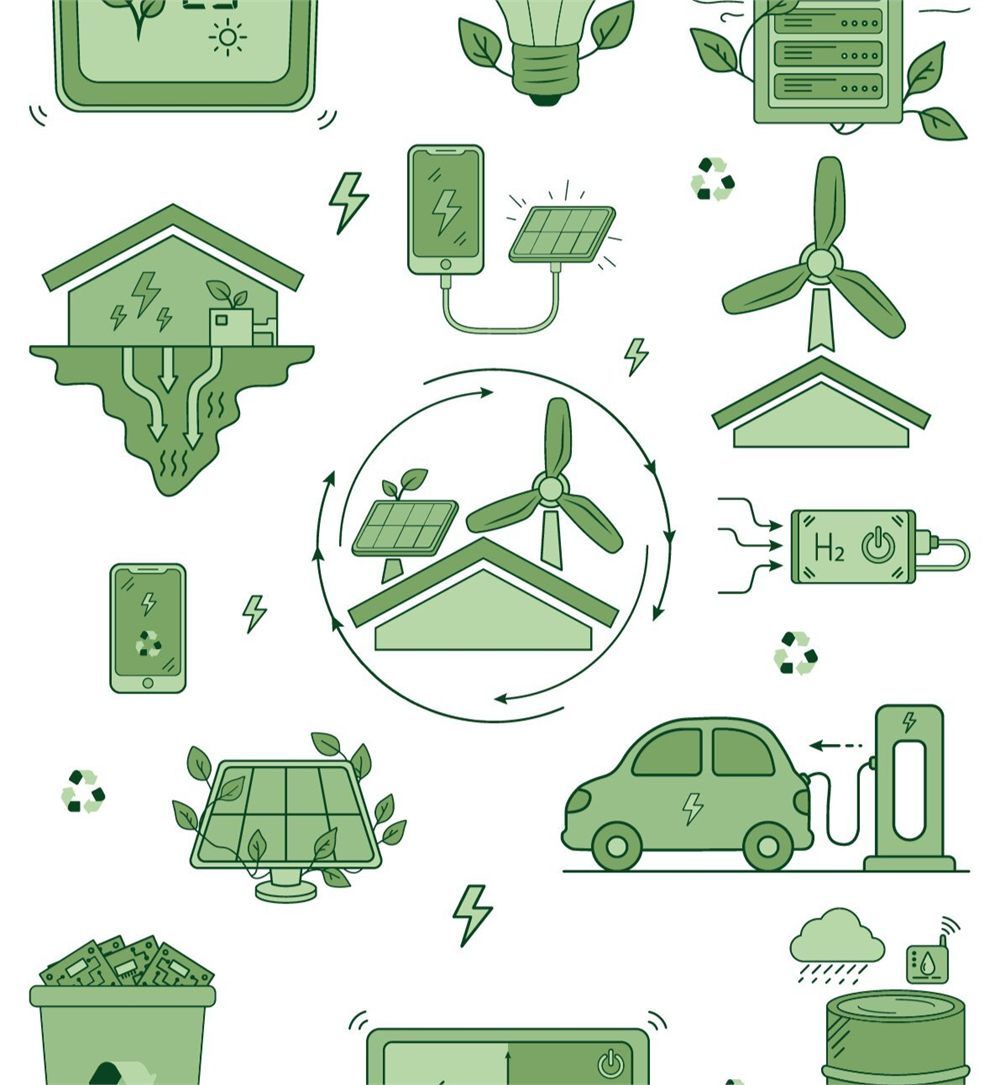
Flat icons on the theme of renewable energy: a house with a bolt, a solar panel, a wind turbine, an EV charger, a hydrogen cell, recycling.
- AI
- EPS
- SVG
View pack
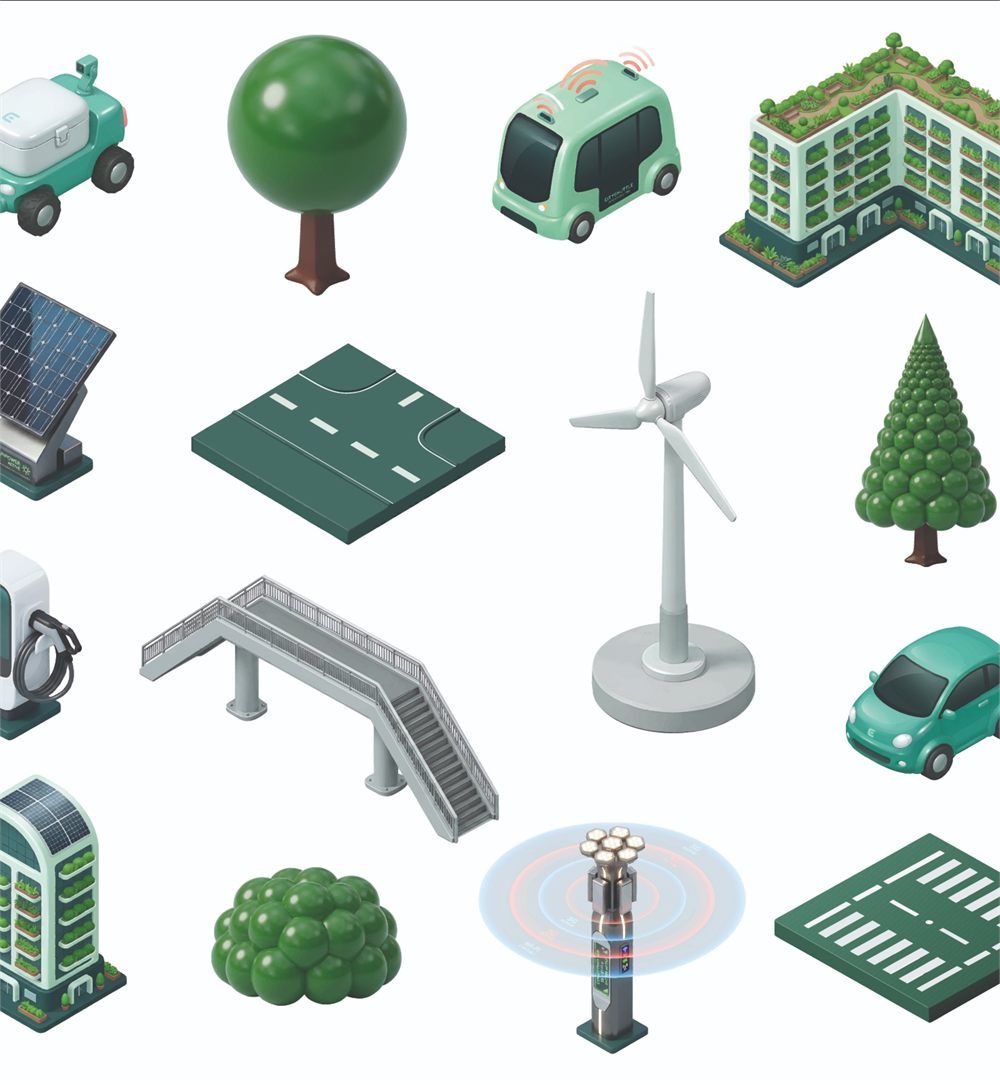
A set of 3D isometric smart city objects: solar panels, a wind turbine, an EV charger, a bus, buildings with green roofs. AI, EPS, PDF source files.
The file opens on Boosty right after payment. Every sticker is a vector object with a transparent background: pick the ones you need and drop them into your layout.
← All sticker packs in the boxIn the archive
The pack formats are listed on Boosty: the archive contents change if the author adds to the pack.
Strengths
Working with the file
The pack files open on Boosty right after payment.
AI and EPS open in Adobe Illustrator, CorelDRAW and Inkscape; SVG opens in a browser and in Figma.
Every sticker is a separate object or group: drag what you need onto the sheet, group those objects and delete the rest.
Fills and strokes are editable: the brand colour is set in under a minute.
For print, save a PDF in CMYK document mode; for interfaces, a PNG with a transparent background.
The set is built around one idea: to show urban projects not as a diagram but as a three-dimensional scene. All the objects are made in 3D isometric, so the utilities, the transport and the buildings live in one space without trying to fit flat pictures into a perspective.
Separate objects are laid out on a white background: a solar panel, a tree, an electric bus, a charging station, a wind farm, buildings with green roofs, road markings, a pedestrian crossing with steps, a street lamp and a smart bulb with radio waves. Everything is in one green-and-grey range.
The objects are shown one by one on purpose rather than assembled into a scene: it is clear that each element is separate and can be placed in any composition.
A draft basis for a presentation about an urban project: place a panel, a turbine and a building with a green roof, and remove the rest. For infographics on a white background the palette is calm — it is easy to bring it to your brand colours without losing the contrast of the volumes.
The colours of the fills and the objects. The labels on the objects, if there are any, are ordinary text in the editor.
Who it is for
Terms
The same set of terms applies to every sticker pack in the box.
The terms are the same for all sticker packs in the box.
Questions
It is 3D isometric: the objects are built in volume and shown at a fixed angle. They scale freely, but the perspective itself cannot be changed — it is set by the author.
The cover shows how the objects match in scale and colour. You assemble the scene yourself from the sources — there is no ready-made composition in the archive.
About the packs
A group of vector stickers on a single theme plus one file with the sources: AI, EPS, PDF and SVG, depending on the pack. The full contents are listed on the pack page on Boosty.
Yes, the packs marked “print ready” are built in CMYK document mode. The rest are exported to CMYK by hand: the colours in the sources are defined in RGB and have to be converted to CMYK before output.
Yes, all the objects are vector: fills and strokes are editable, so a sticker is easy to bring into a brand palette.
The “Download this sticker pack” button opens the pack page on Boosty, where the files are available after payment.
Yes, personal and commercial use are allowed; the resale terms are in the “Licence and resale” block on the pack page.
More in the box
Packs from the “Infographics and 3D” theme — the same style and the same file format.
Flat icons on the theme of renewable energy: a house with a bolt, a solar panel, a wind turbine, an EV charger, a hydrogen cell, recycling.
View pack
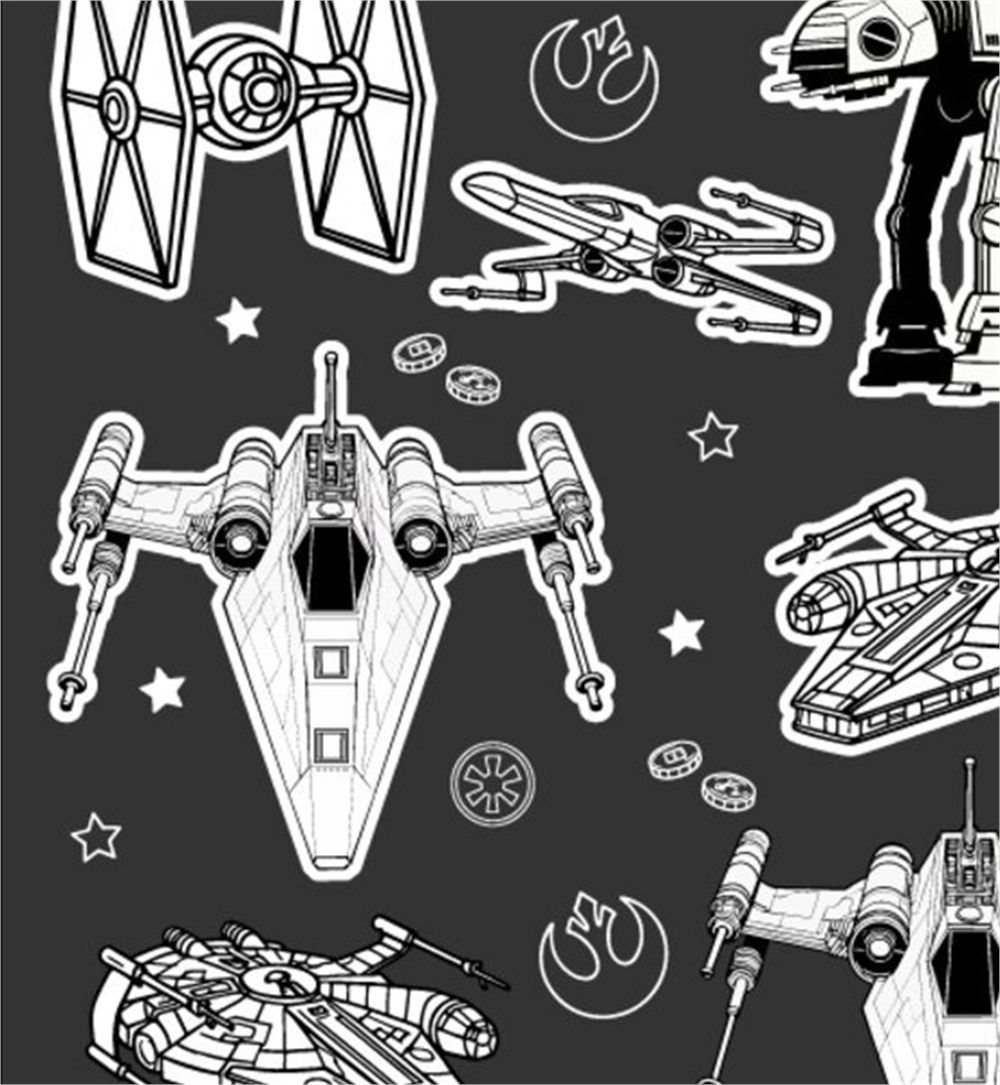
A black-and-white outline sticker pack with ships from Star Wars: starfighters, a walker, a frigate, faction emblems and stars. AI, EPS, PDF, SVG.
View pack
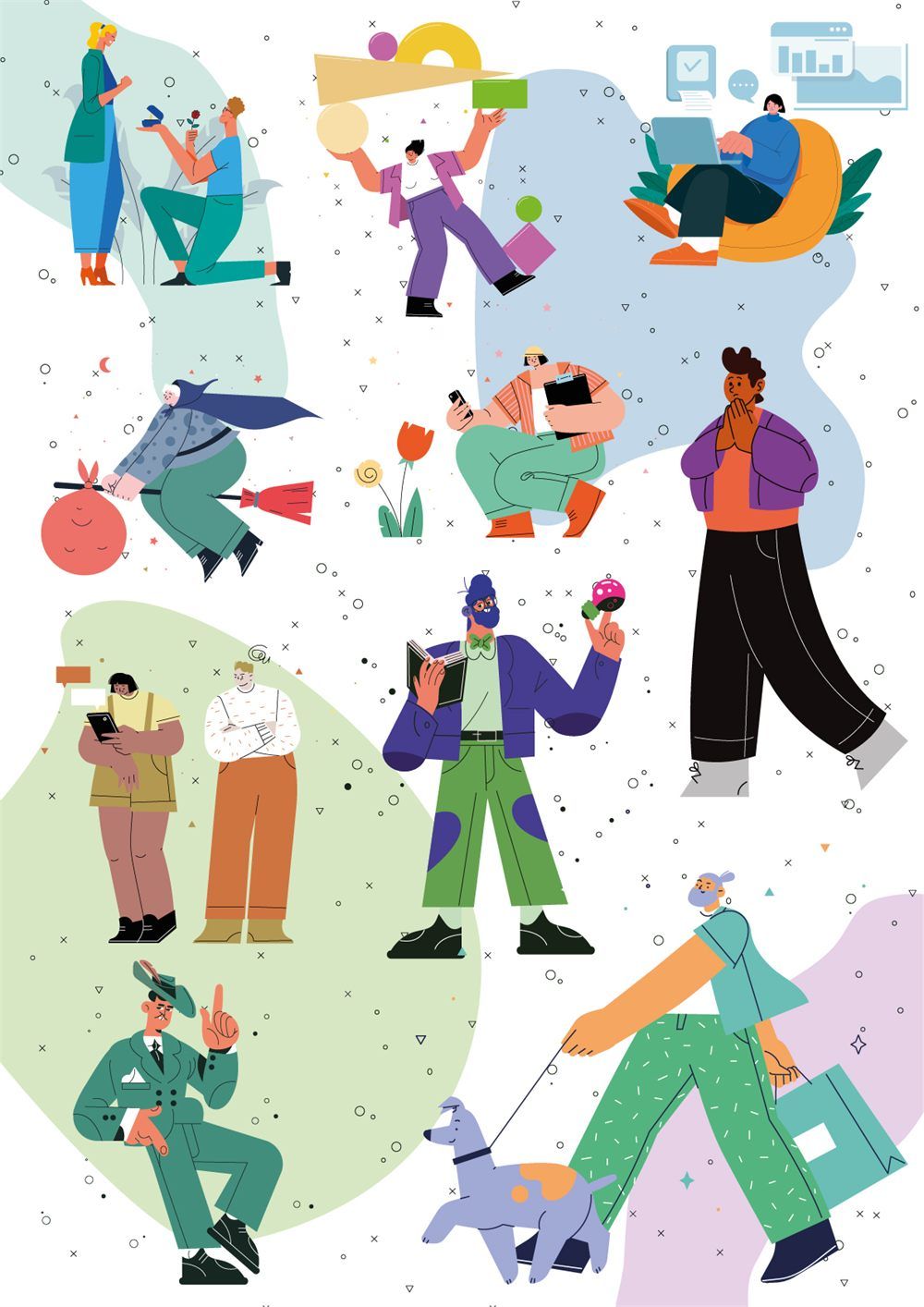
A sticker pack in flat style: various people with a laptop, a phone, flowers and a dog on pastel background shapes. AI, EPS, PDF, SVG.
View pack
The box contains sticker packs of different themes: office, medicine and paediatrics, animals, retro tech, science fiction, cooking and Halloween. The packs do not overlap, so they can be combined in a single layout.
On air