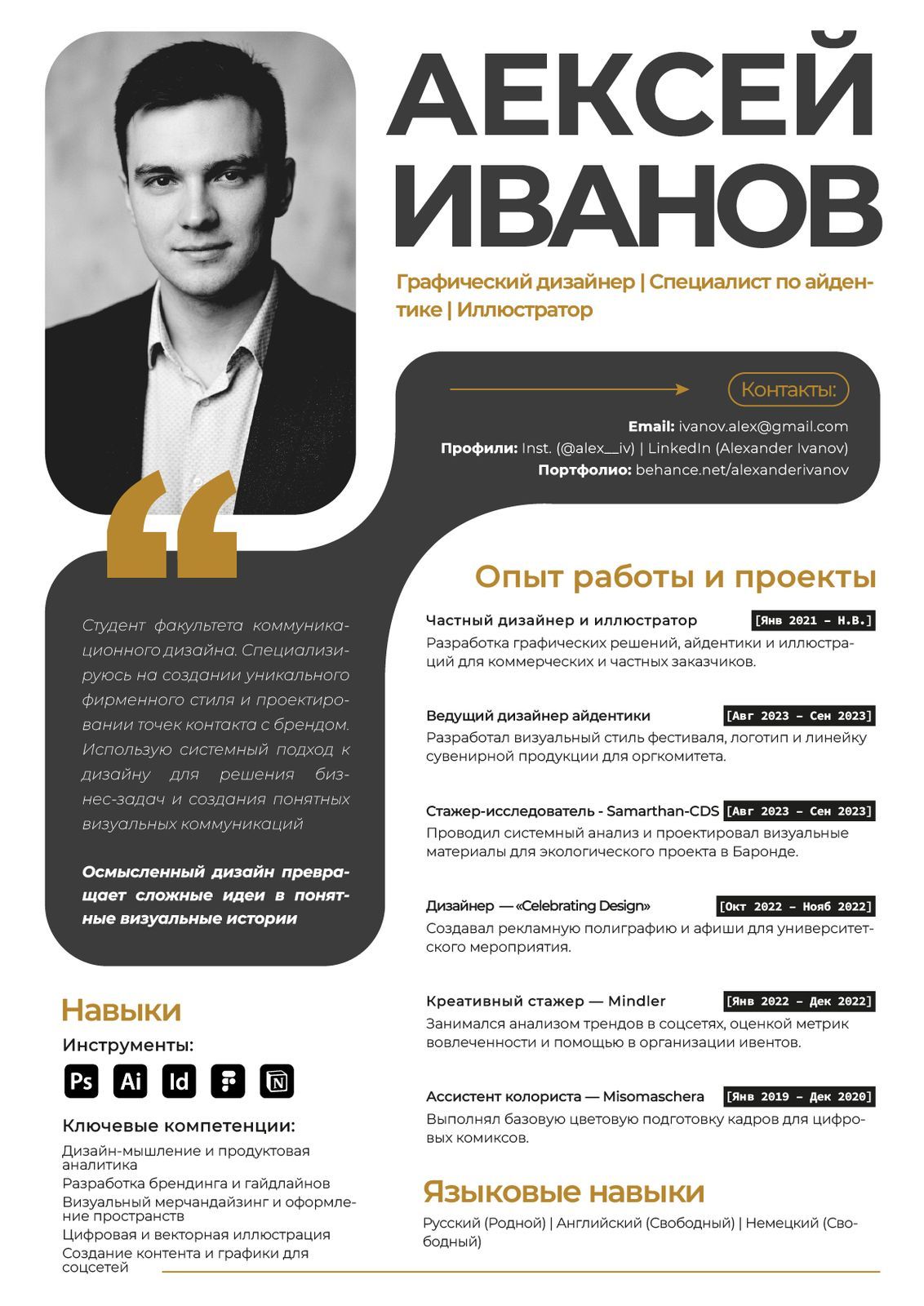
Modern CV resume template
An editable vector resume template for a designer: AI, EPS, PSD, PDF, a set of fonts, English and Russian versions.
- AI
- EPS
- PSD
View template
An editable vector resume template for a manager: AI, EPS, PSD, PDF, a set of fonts, English and Russian versions.
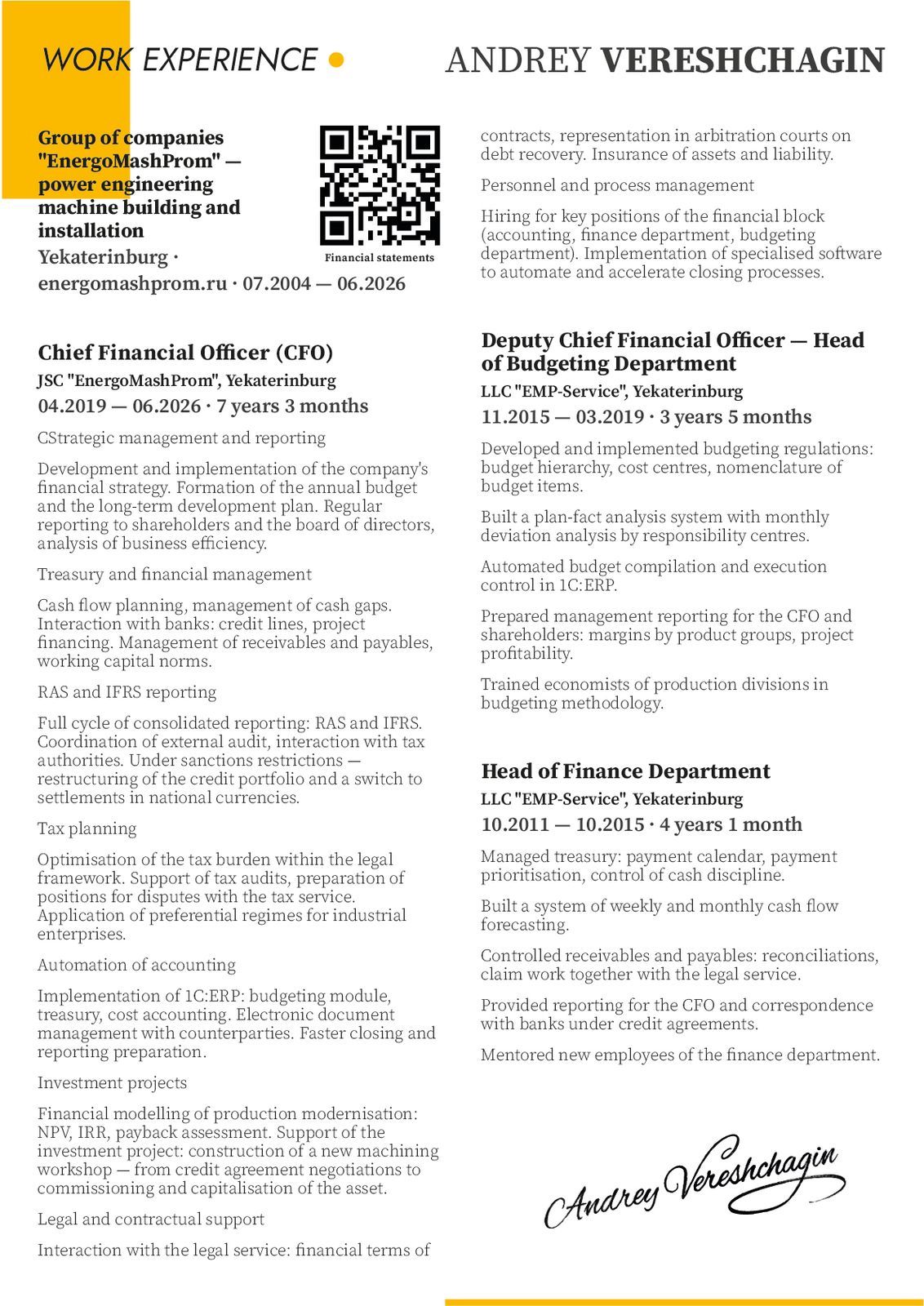
1 / 4
The file opens on Boosty right after payment. It is a vector layout: you replace the photo and the texts, and the layout stays ready.
← All templates in the boxIn the archive
Fonts are included: without them the layout opens on another computer with a substituted typeface.
Strengths
Editing
The template files and the fonts open on Boosty right after payment.
AI and EPS open in Adobe Illustrator, CorelDRAW and Inkscape; PSD opens in Adobe Photoshop.
Select the photo frame, paste your own picture and fit the crop to the frame.
Click any block and type: headings, contact details, work experience and skills.
Save the file as PDF to send to an employer, or as JPG to publish in a portfolio.
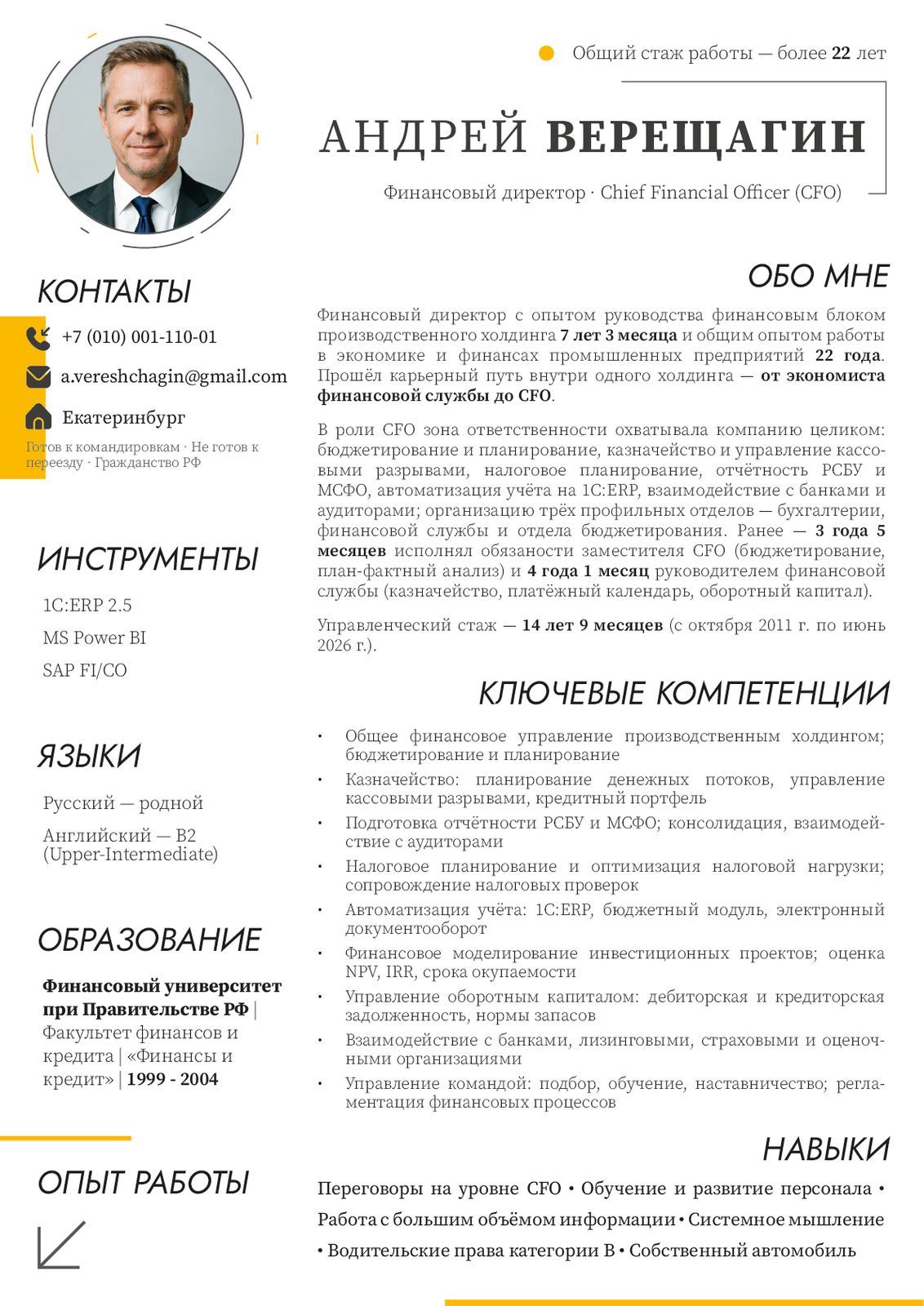
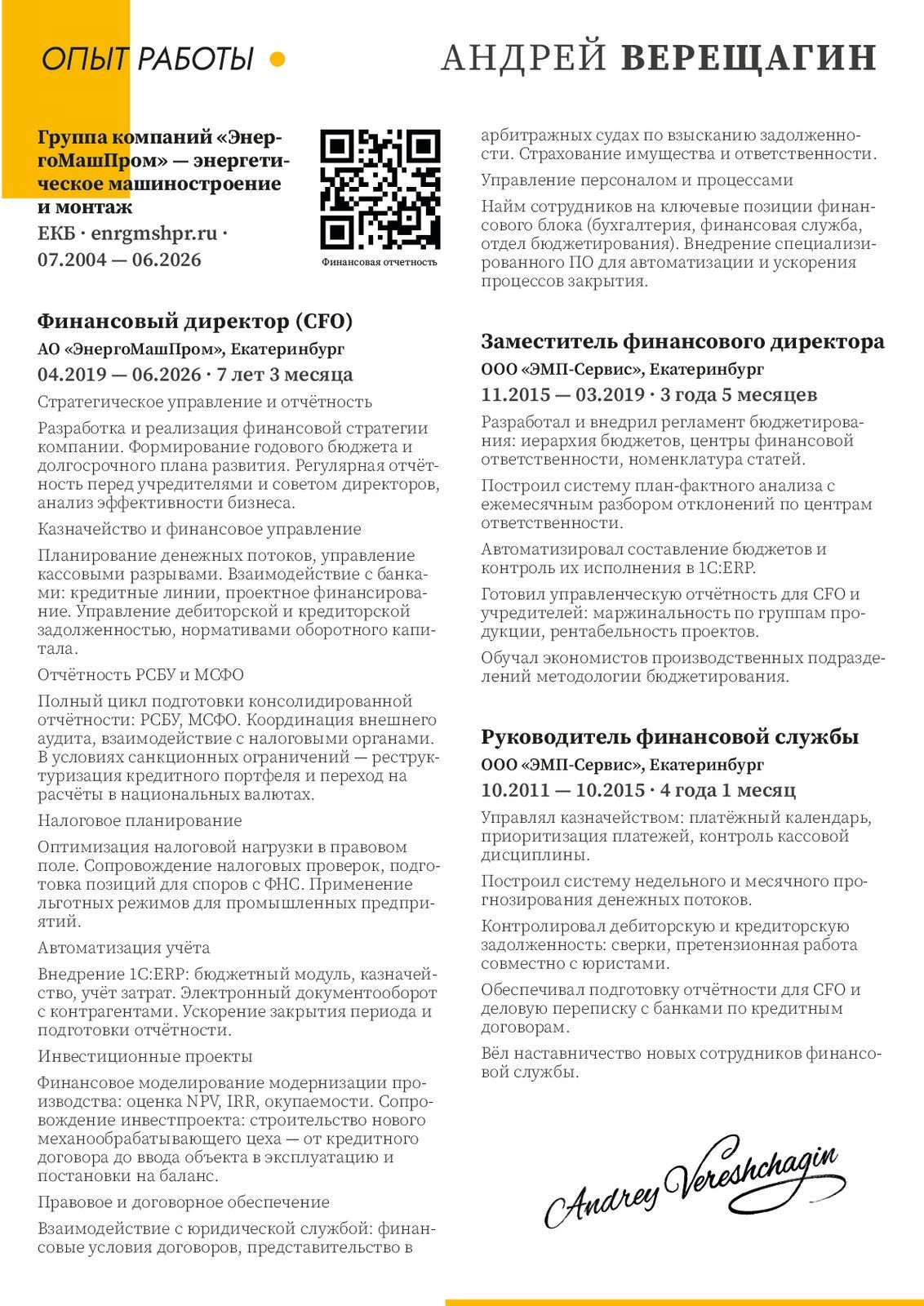
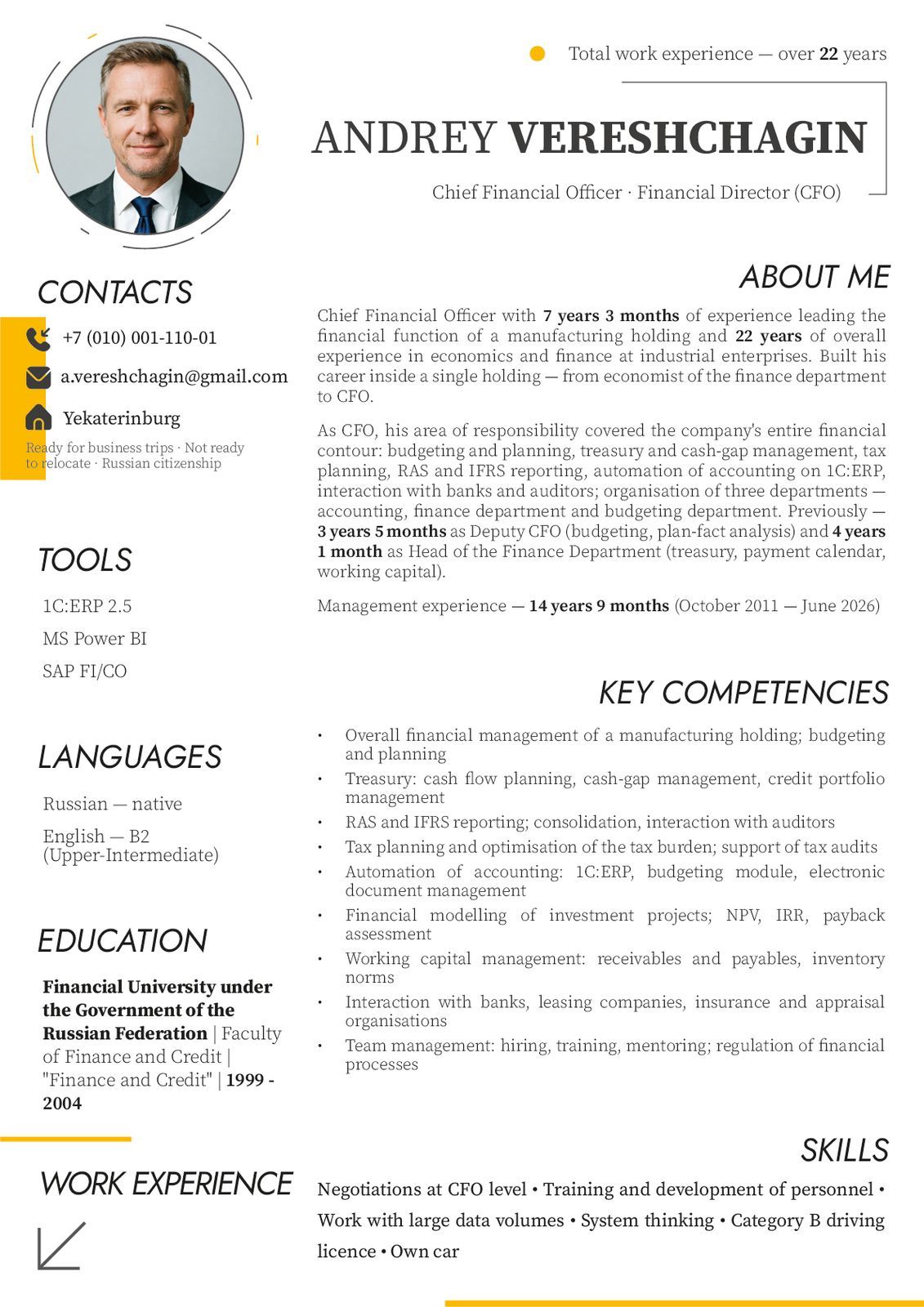
This layout is built for a manager’s resume, where the order of the facts matters more than a visual statement. That is why there are no heavy panels and no large photos: a light base, one accent highlight and a lot of air between the blocks. Everything that has to be replaced is the text and one image.
The name occupies the full width of the top block, with the job title and the seniority under it. On the left is a round photo in a dashed frame, beside it a column of contacts: phone, email, city. Each row is accompanied by an icon on a yellow highlight, and the whole block reads in one glance.
Below are two columns of text: “About me” and “Key competencies”. In the first section there is free prose without breaking it into bullet points; in the second, a list of competencies with bold highlights, so the key words are found by eye rather than by searching the page. Below come the “Tools” and “Languages” blocks, and at the very bottom, education.
The photo, the name, the job title, the contacts, the “About me” text, the list of competencies, the tools and the languages. The grid, the spacing, the icons and the accent highlight stay as they are.
Those applying for positions that require experience rather than visual taste. The layout does not argue with the content and does not pull attention onto the design — which means it works where the resume is read for substance.
Who it is for
Terms
The same set of terms applies to every template in the box.
The terms are the same for all templates in the box.
Questions
Basic skill is enough: select an object, type the text and place a photograph.
Yes, all the fills and lines are ordinary vector objects — they can be recoloured in a couple of clicks.
Yes, the fonts come with the template. Without them the layout opens on another computer with a substituted typeface and falls apart.
The “Download this template” button leads to the template page on Boosty. The archive opens right after payment.
Yes, commercial use is allowed: fill in a resume for a client or design a layout to commission.
More in the box
An editable vector resume template for a designer: AI, EPS, PSD, PDF, a set of fonts, English and Russian versions.
View template
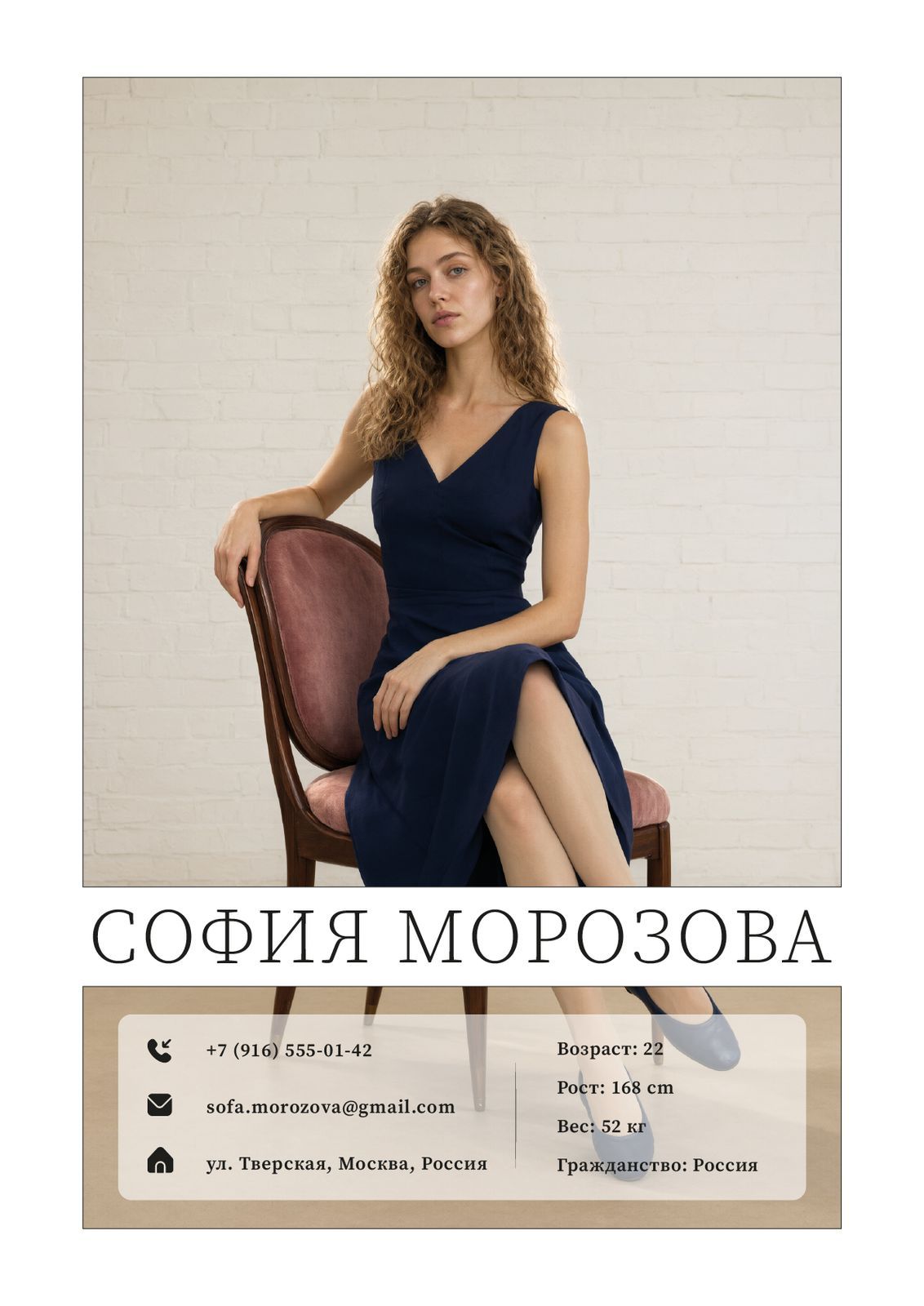
Two versions of a multi-page model resume in Russian and English: editable vector, PSD, AI, EPS, PDF and a set of fonts.
View template
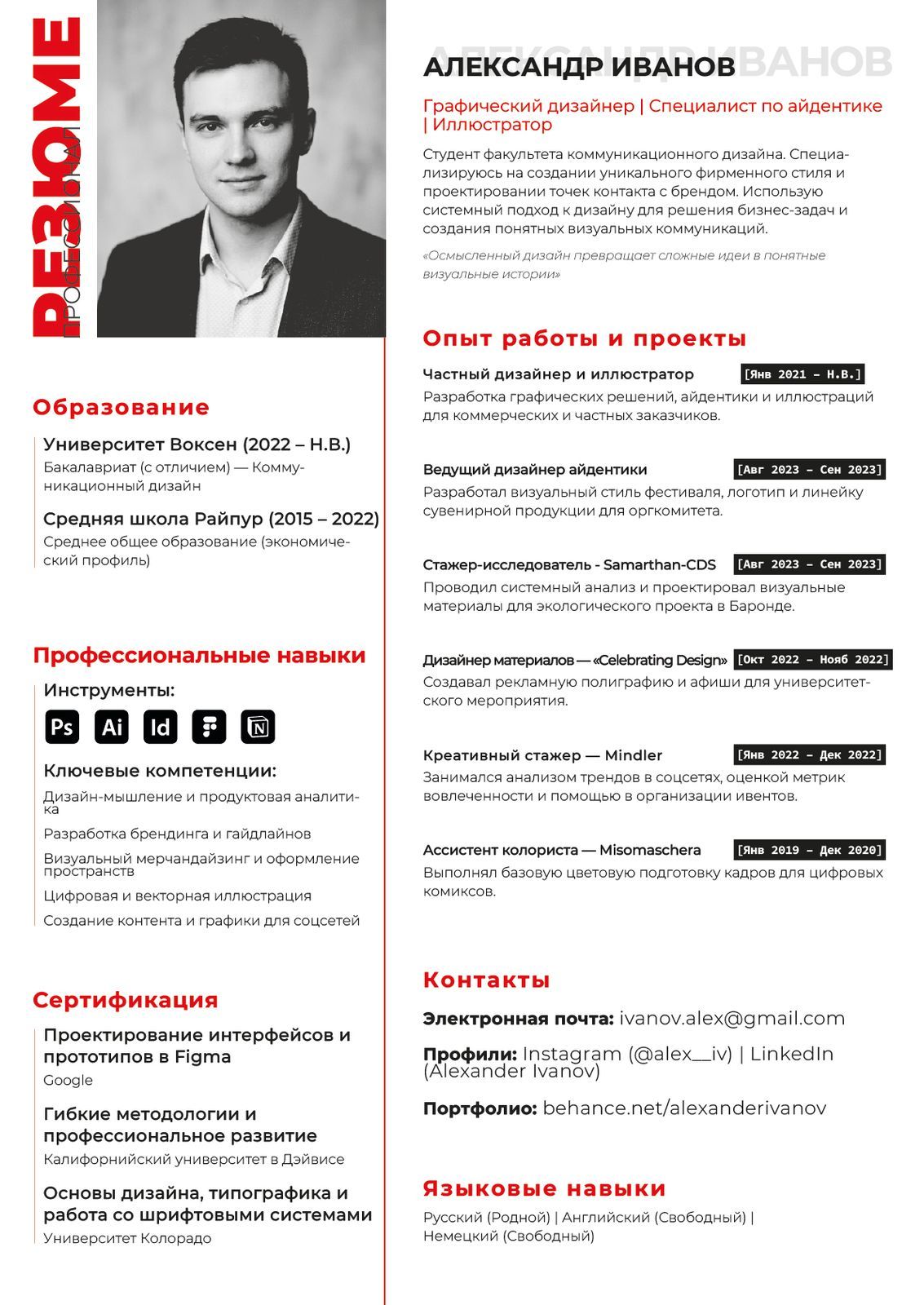
A ready-made editable fashion portfolio and resume design: vector in PSD, AI, EPS and PDF, with a set of fonts.
View template
The set contains all the templates, the large study of the rules for writing a resume and the step-by-step guide with ready-made prompts for AI models: with them you do not have to rewrite the resume text from scratch — it is enough to bring it up to a presentable state.
On air