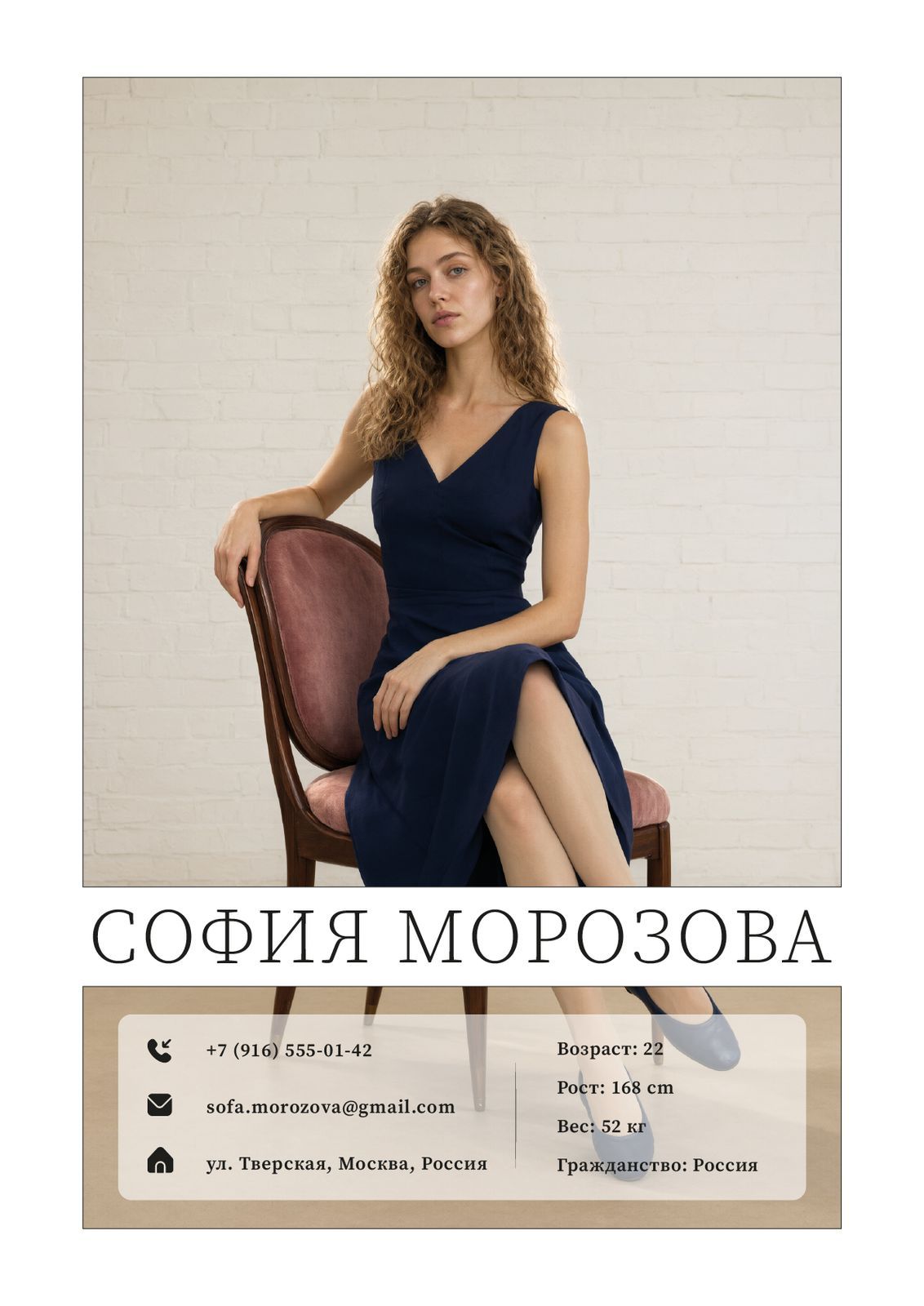
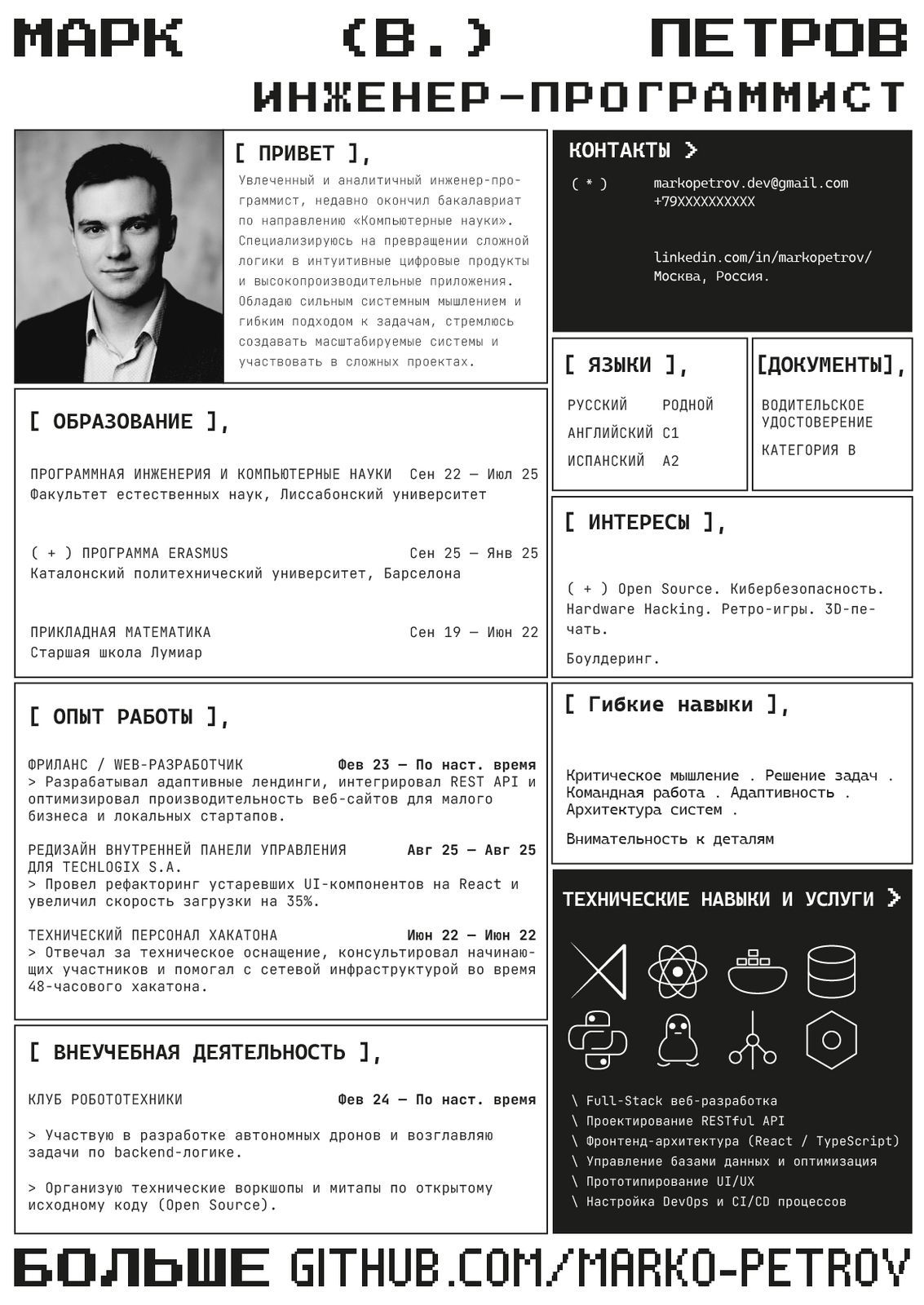
Multi-page model resume template
Two versions of a multi-page model resume in Russian and English: editable vector, PSD, AI, EPS, PDF and a set of fonts.
- PSD
- AI
- EPS
View template
An editable vector resume template for a designer: AI, EPS, PSD, PDF, a set of fonts, English and Russian versions.
1 / 2
The file opens on Boosty right after payment. It is a vector layout: you replace the photo and the texts, and the layout stays ready.
← All templates in the boxIn the archive
Fonts are included: without them the layout opens on another computer with a substituted typeface.
Strengths
Editing
The template files and the fonts open on Boosty right after payment.
AI and EPS open in Adobe Illustrator, CorelDRAW and Inkscape; PSD opens in Adobe Photoshop.
Select the photo frame, paste your own picture and fit the crop to the frame.
Click any block and type: headings, contact details, work experience and skills.
Save the file as PDF to send to an employer, or as JPG to publish in a portfolio.
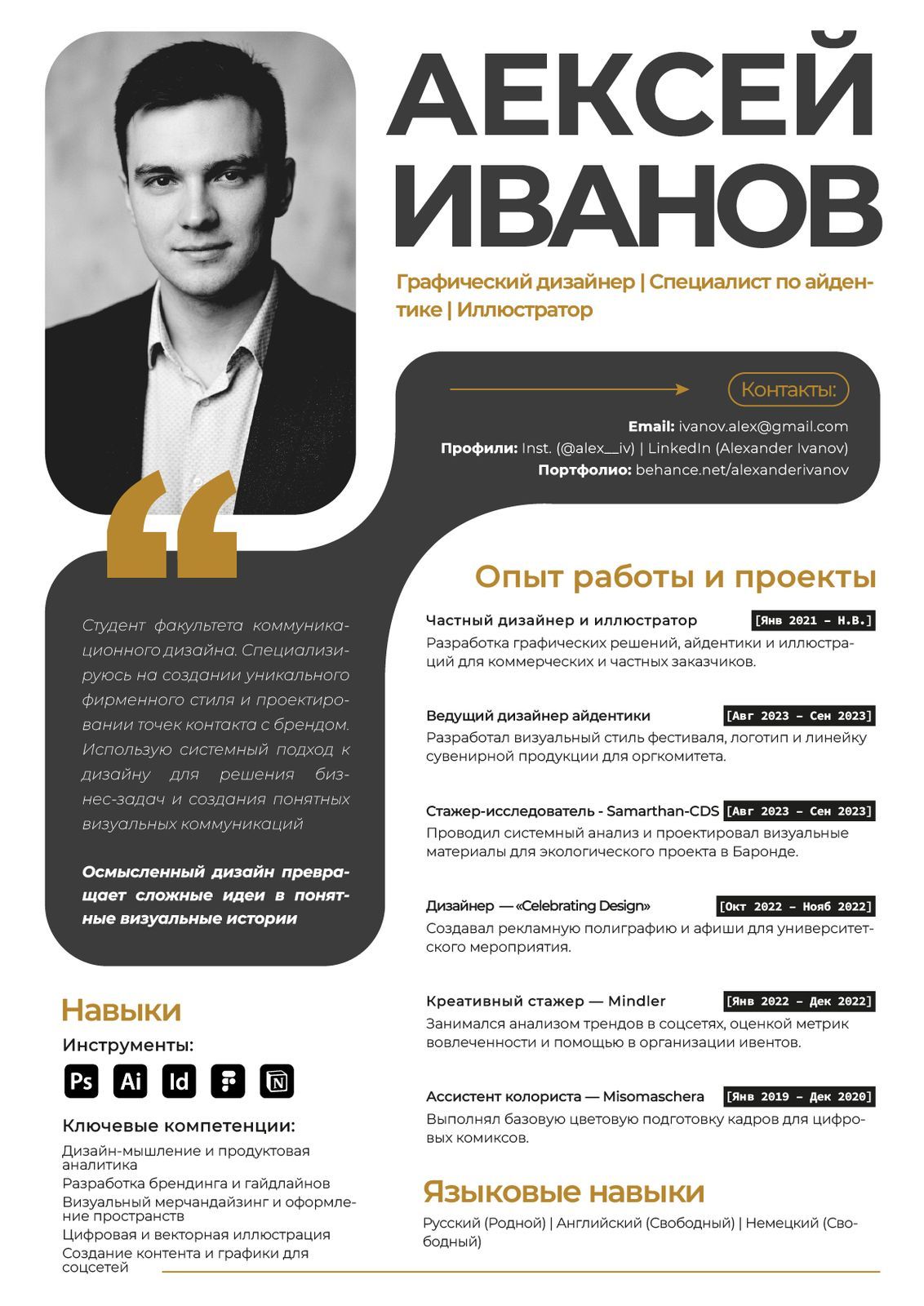
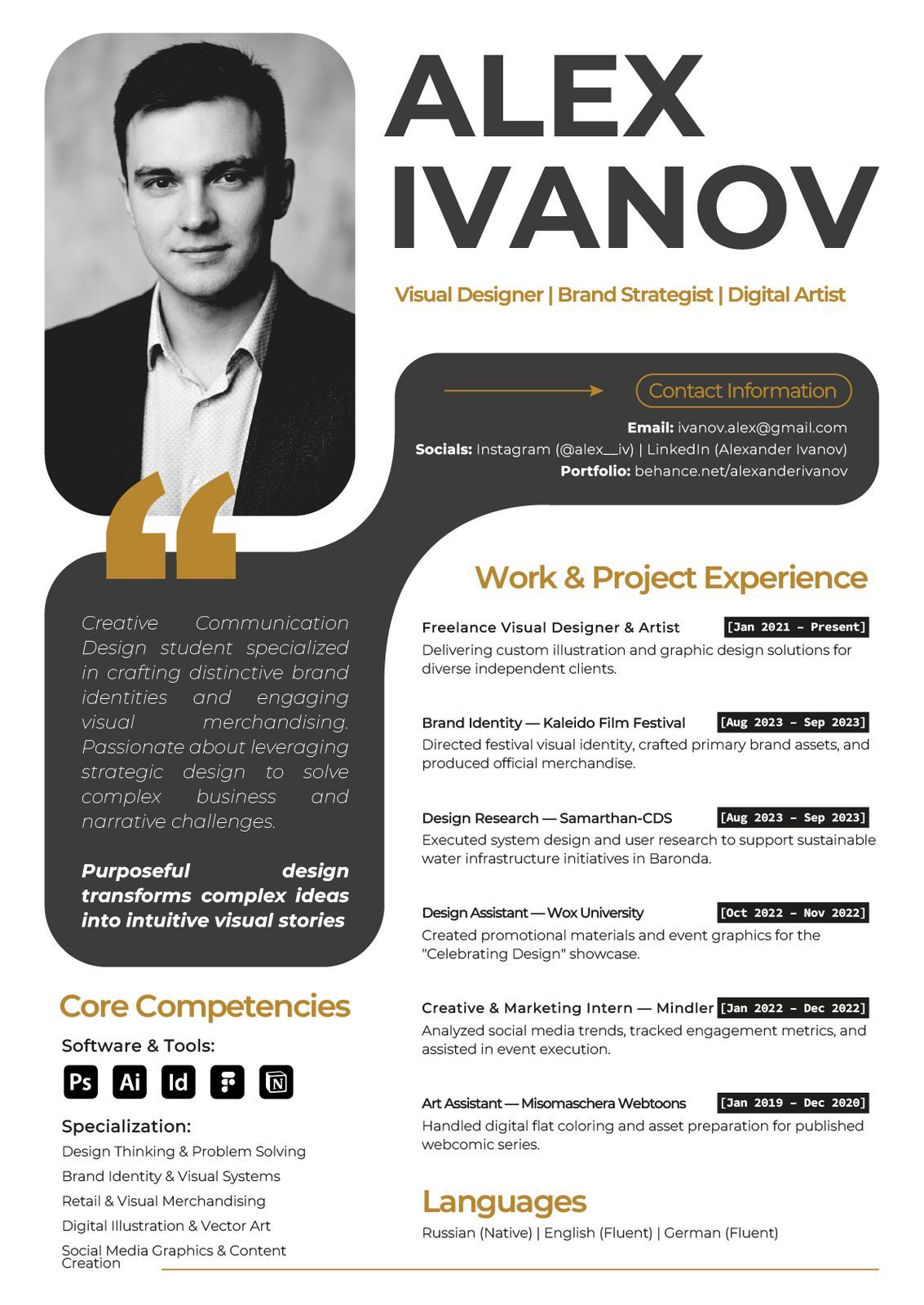
This template is built for the task nearly every designer faces: showing an employer what they can do before the portfolio is even opened. The layout holds a balance between a businesslike tone and a visual presentation — a dark graphite base, a gold accent on the headings and a name occupying the whole top block.
The page is built on two panels with rounded corners: a dark one with the photograph and a quote on the left, a light one with the name, the contacts and the experience on the right. Such a division reads faster than a classic grid and immediately shows that the author works with composition.
The photograph sits in a frame with a large radius — you only need to change the contents of the frame, you will not have to move the frame itself. Under the photo there is room for a short text about the approach and a separate pull quote: in a portfolio resume such phrases are often read first.
The contacts block is separated from the main text and gathers the email, the social links and the portfolio address into one group. Then comes the list of work experience, where each position has a title, a line of achievements and a date in a panel. At the bottom is a skills block with icons of the working tools.
The photo, the name, the job title, the contacts, the list of experience and the set of tools. Nothing else. The colour panels, the lines, the spacing and the icons stay as they are — if the design in a resume should work rather than argue with the content.
Those looking for a resume template with character rather than a grey form with a table. It is easy to check: if the portfolio has visual cases, this layout will support them rather than argue with them.
Who it is for
Terms
The same set of terms applies to every template in the box.
The terms are the same for all templates in the box.
Questions
Basic skill is enough: select an object, type the text and place a photograph. Those are the basic actions shown in the first 15 minutes of any Figma or Illustrator course.
Yes, all the fills and lines are ordinary vector objects — they can be recoloured in a couple of clicks.
Yes, the fonts come with the template. That matters: without them the layout opens on another computer with a substituted typeface and the layout falls apart.
The “Download this template” button leads to the template page on Boosty. The archive opens right after payment.
Yes, commercial use is allowed: fill in a resume for a client or design a layout to commission.
More in the box
Two versions of a multi-page model resume in Russian and English: editable vector, PSD, AI, EPS, PDF and a set of fonts.
View template
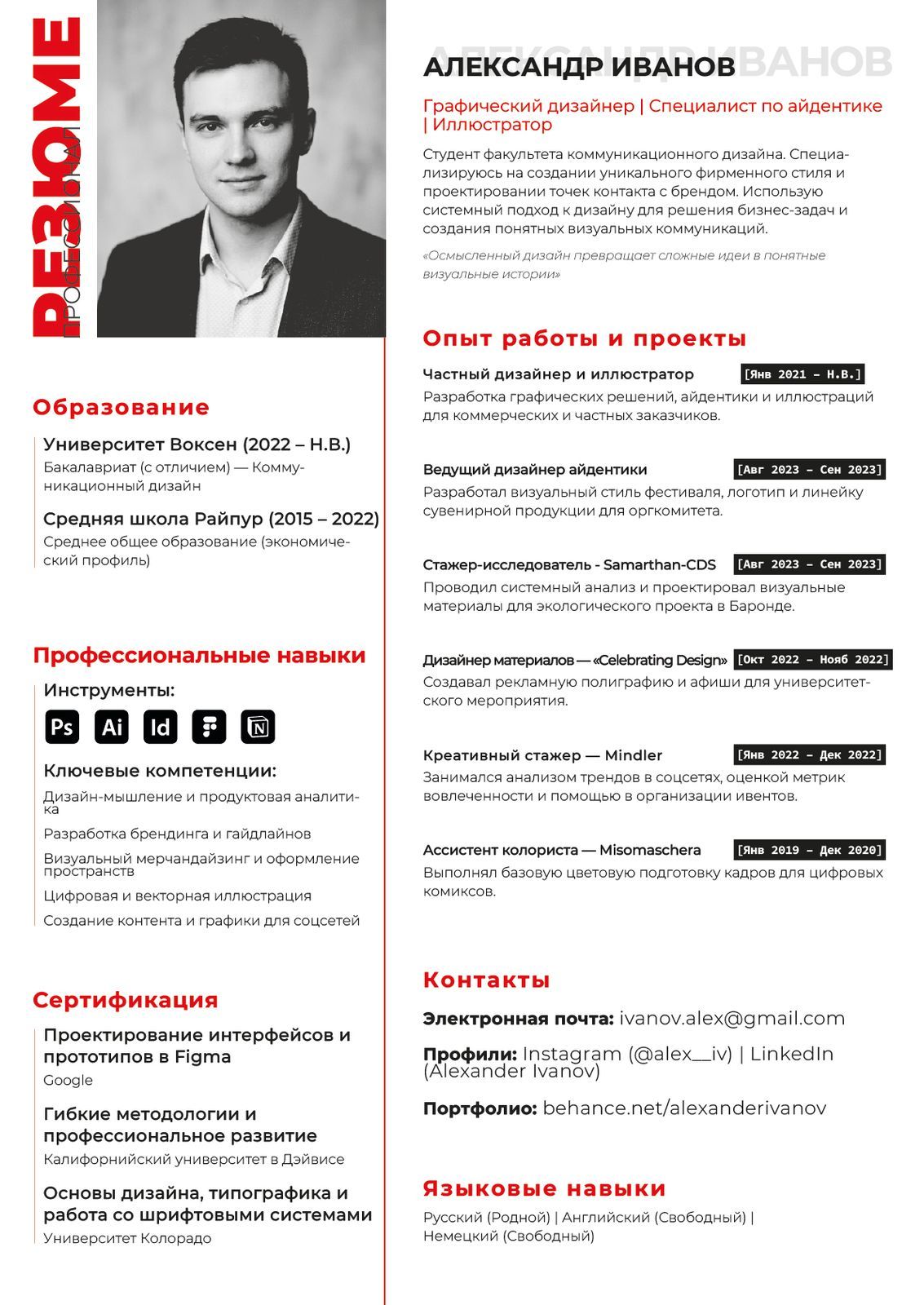
A ready-made editable fashion portfolio and resume design: vector in PSD, AI, EPS and PDF, with a set of fonts.
View template
An editable portfolio and resume template in Russian and English: vector in PSD, AI, EPS and PDF, a set of fonts.
View template
The set contains all the templates, the large study of the rules for writing a resume and the step-by-step guide with ready-made prompts for AI models: with them you do not have to rewrite the resume text from scratch — it is enough to bring it up to a presentable state.
On air