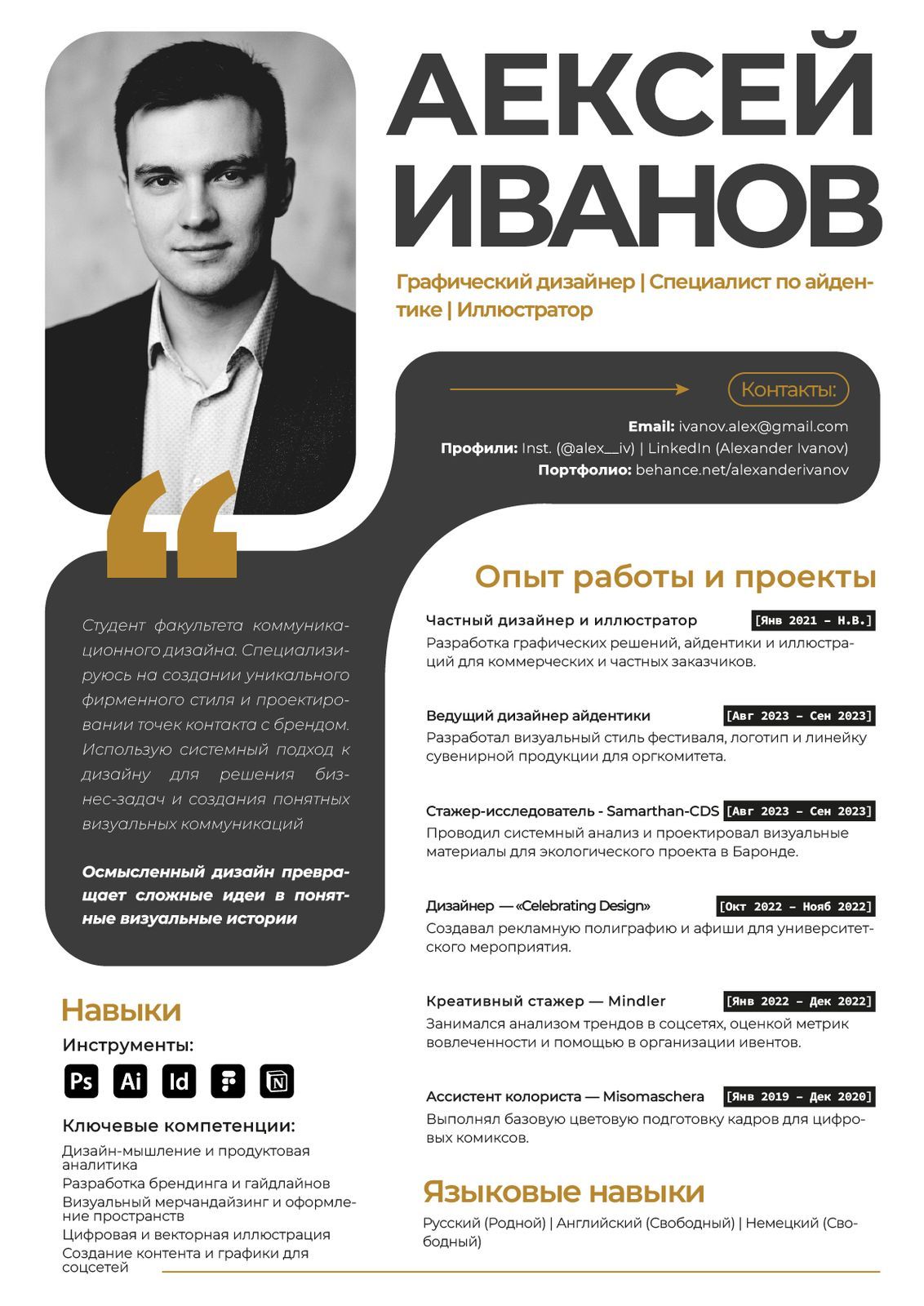
Modern CV resume template
An editable vector resume template for a designer: AI, EPS, PSD, PDF, a set of fonts, English and Russian versions.
- AI
- EPS
- PSD
View template
An editable portfolio and resume template in vector: PSD, AI, EPS and PDF, a set of fonts, a classical serif.
The file opens on Boosty right after payment. It is a vector layout: you replace the photo and the texts, and the layout stays ready.
← All templates in the boxIn the archive
Fonts are included: without them the layout opens on another computer with a substituted typeface.
Strengths
Editing
The template files and the fonts open on Boosty right after payment.
AI and EPS open in Adobe Illustrator, CorelDRAW and Inkscape; PSD opens in Adobe Photoshop.
Select the photo frame, paste your own picture and fit the crop to the frame.
Click any block and type: headings, contact details, work experience and skills.
Save the file as PDF to send to an employer, or as JPG to publish in a portfolio.
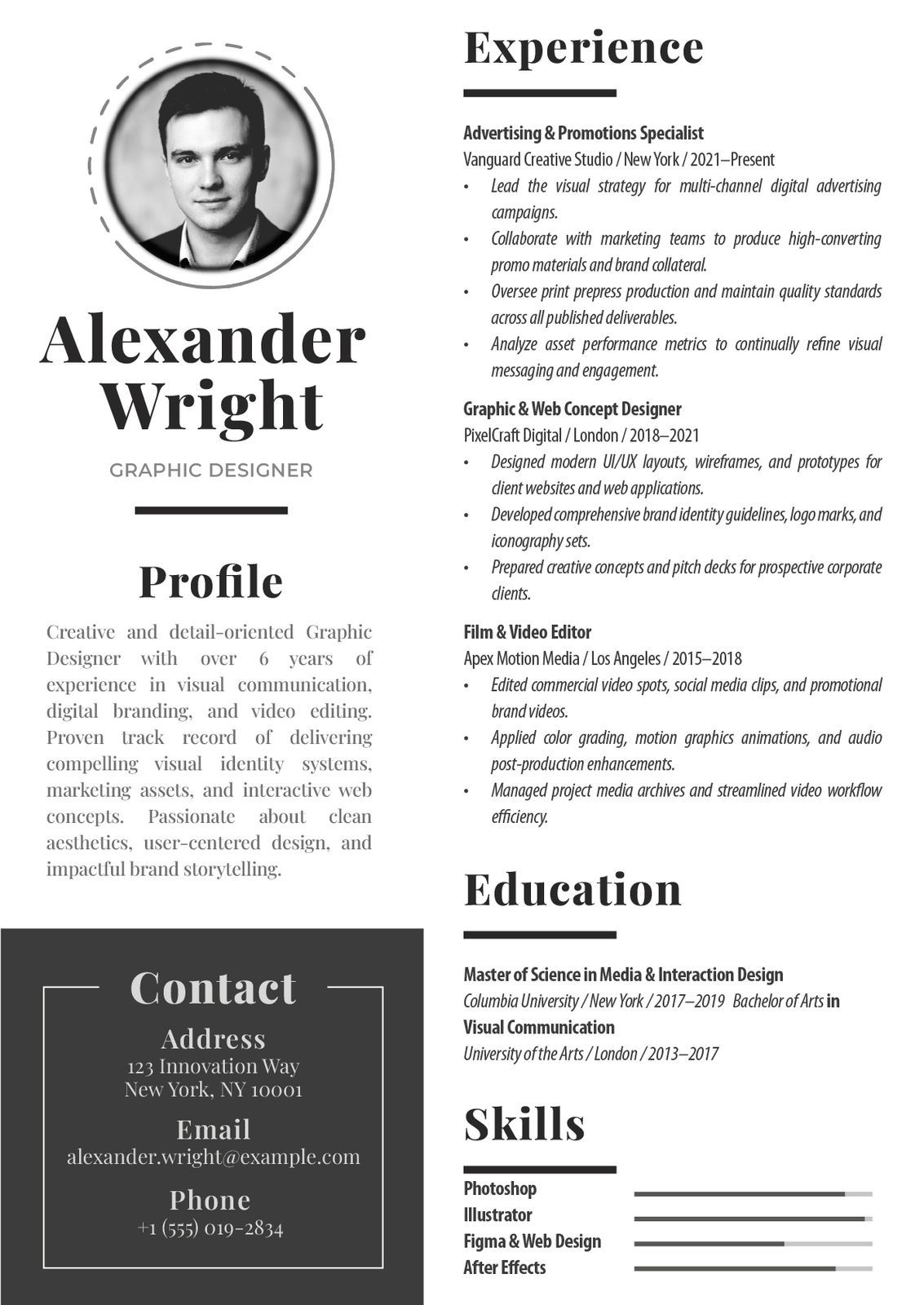
This layout is for the cases where black and white looks stronger than colour. No illustrations and no panels: only typography, a grid and one photographic spot.
The name occupies the full width of the column and is set in a high-contrast serif. The job title under it is spaced out and looks like a caption rather than a second heading. The photograph sits in a circle with a dashed outline — the frame stays in place, only the shot is changed.
Then the document divides into two columns. On the left is a Profile block with a short text about the approach and the contacts in a dark panel. On the right is Experience, where each position is formatted with bullets and results, and below it Education. Short rules serve as separators rather than colour blocks.
The photo, the name, the job title, the Profile text, the list of experience with achievements, education and contacts.
A strict businesslike resume — for a studio, a design department, a print shop or anywhere where restraint matters more than striking devices.
Who it is for
Terms
The same set of terms applies to every template in the box.
The terms are the same for all templates in the box.
Questions
So that the document looks the same on screen, in print and in the recruiter's copy. Colour accents can be added selectively: the panels and lines are ordinary objects.
Yes, the layout is vector, so the file prints without raster and without pixels.
Yes, the same grid and the same fonts give a single style for the title page and for the resume.
The “Download this template” button opens the template page on Boosty, where the archive is available after payment.
Yes, reselling a filled-in template is allowed.
More in the box
An editable vector resume template for a designer: AI, EPS, PSD, PDF, a set of fonts, English and Russian versions.
View template
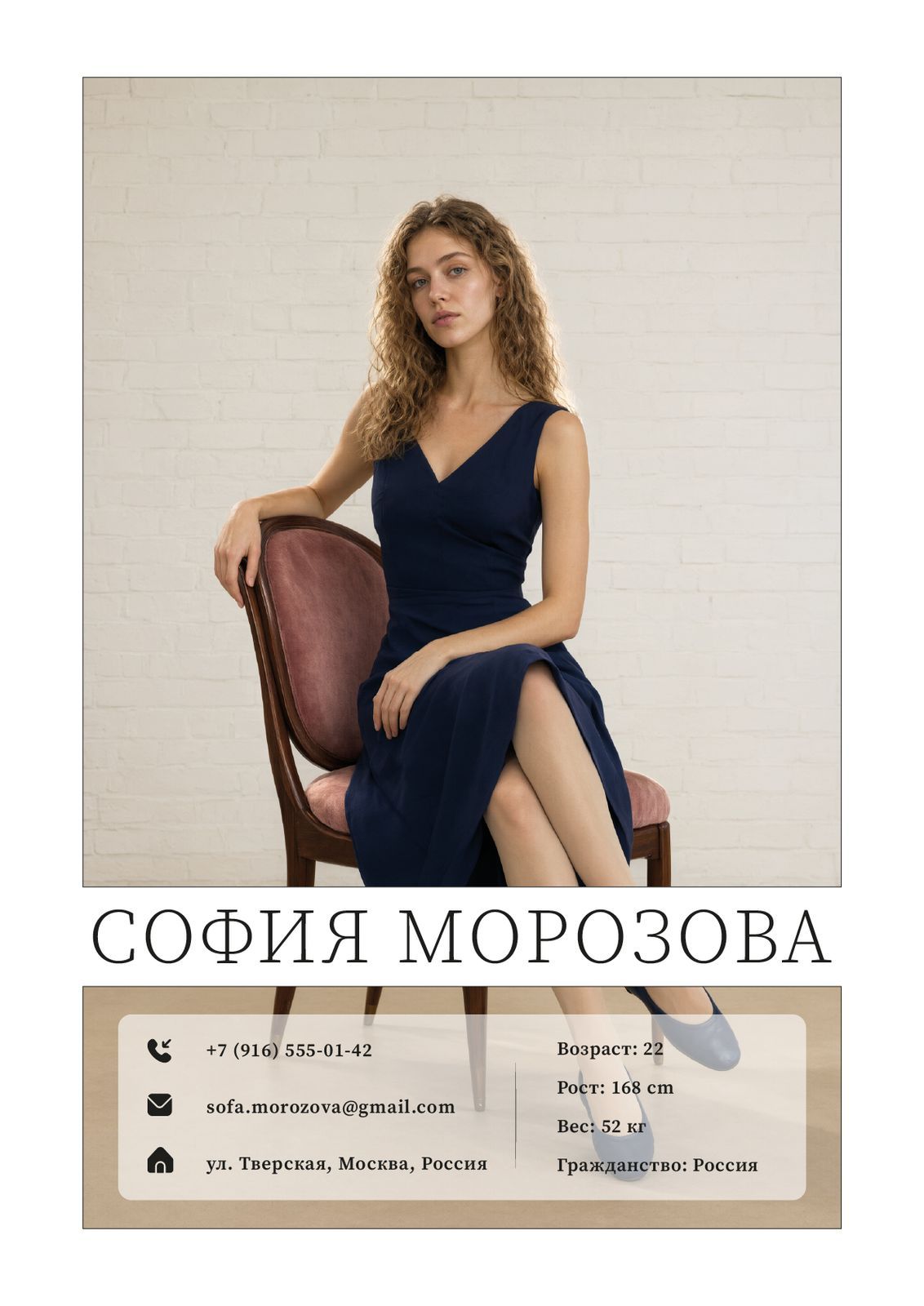
Two versions of a multi-page model resume in Russian and English: editable vector, PSD, AI, EPS, PDF and a set of fonts.
View template
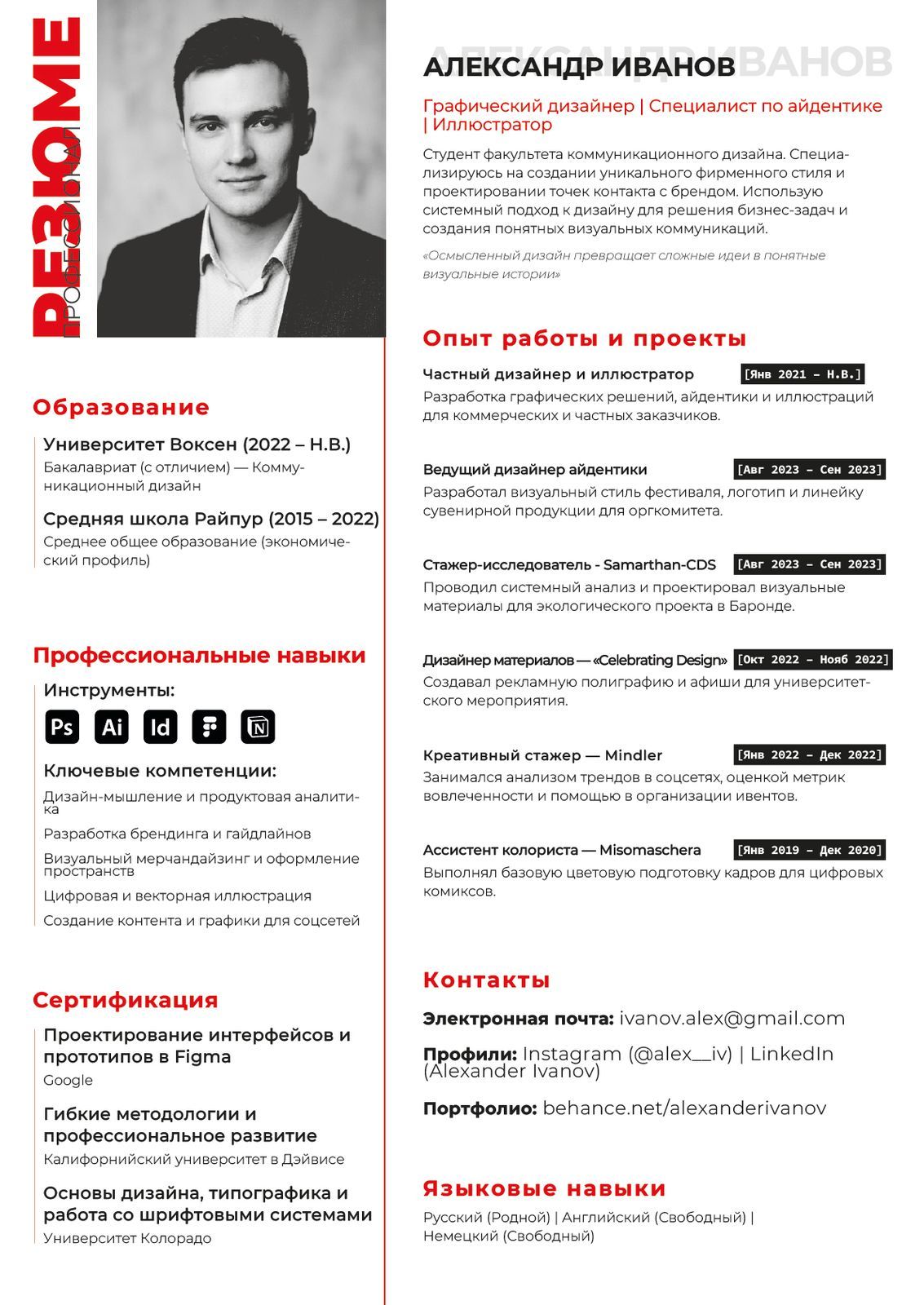
A ready-made editable fashion portfolio and resume design: vector in PSD, AI, EPS and PDF, with a set of fonts.
View template
The set contains all the templates, the large study of the rules for writing a resume and the step-by-step guide with ready-made prompts for AI models: with them you do not have to rewrite the resume text from scratch — it is enough to bring it up to a presentable state.
On air