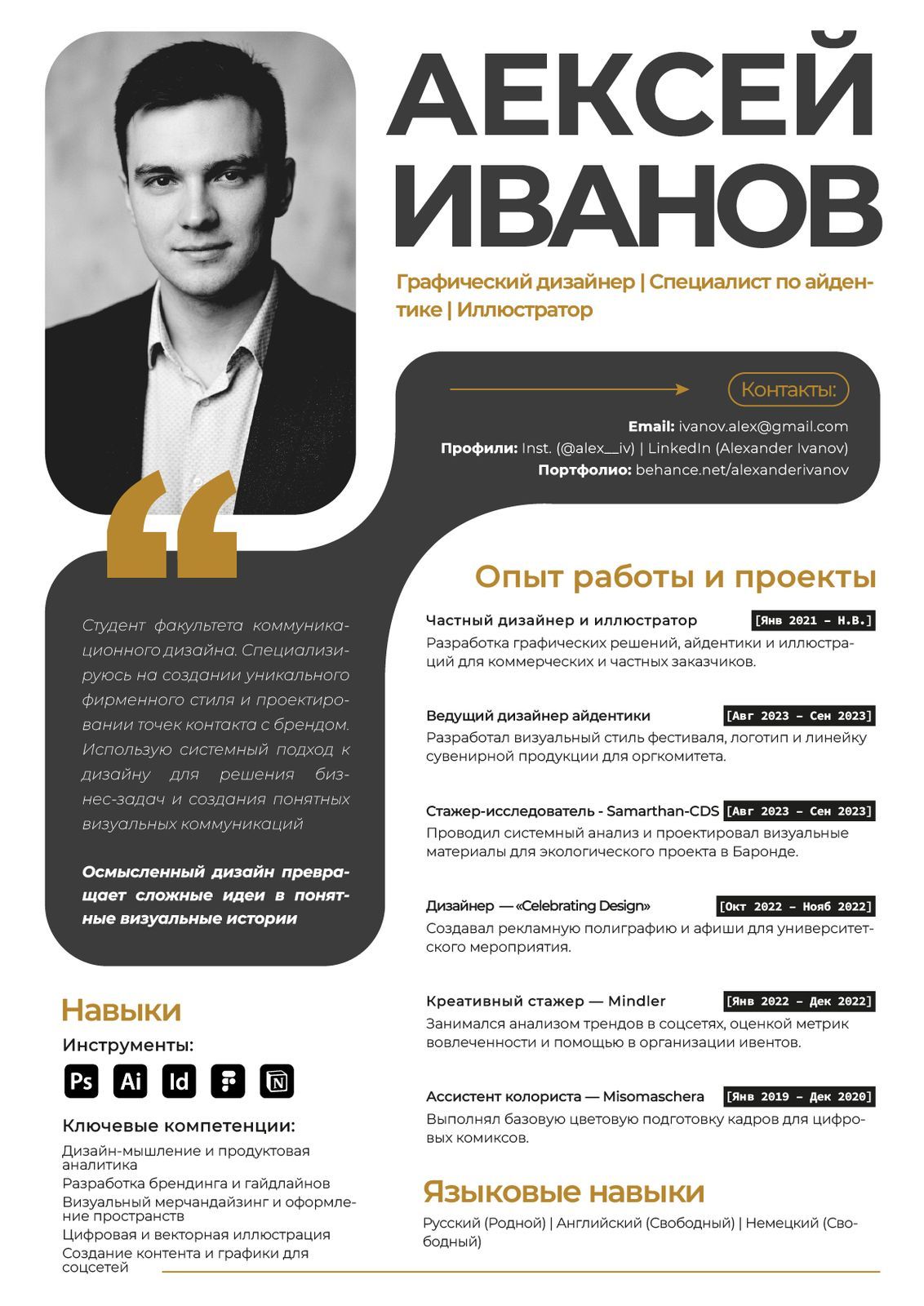
Modern CV resume template
An editable vector resume template for a designer: AI, EPS, PSD, PDF, a set of fonts, English and Russian versions.
- AI
- EPS
- PSD
View template
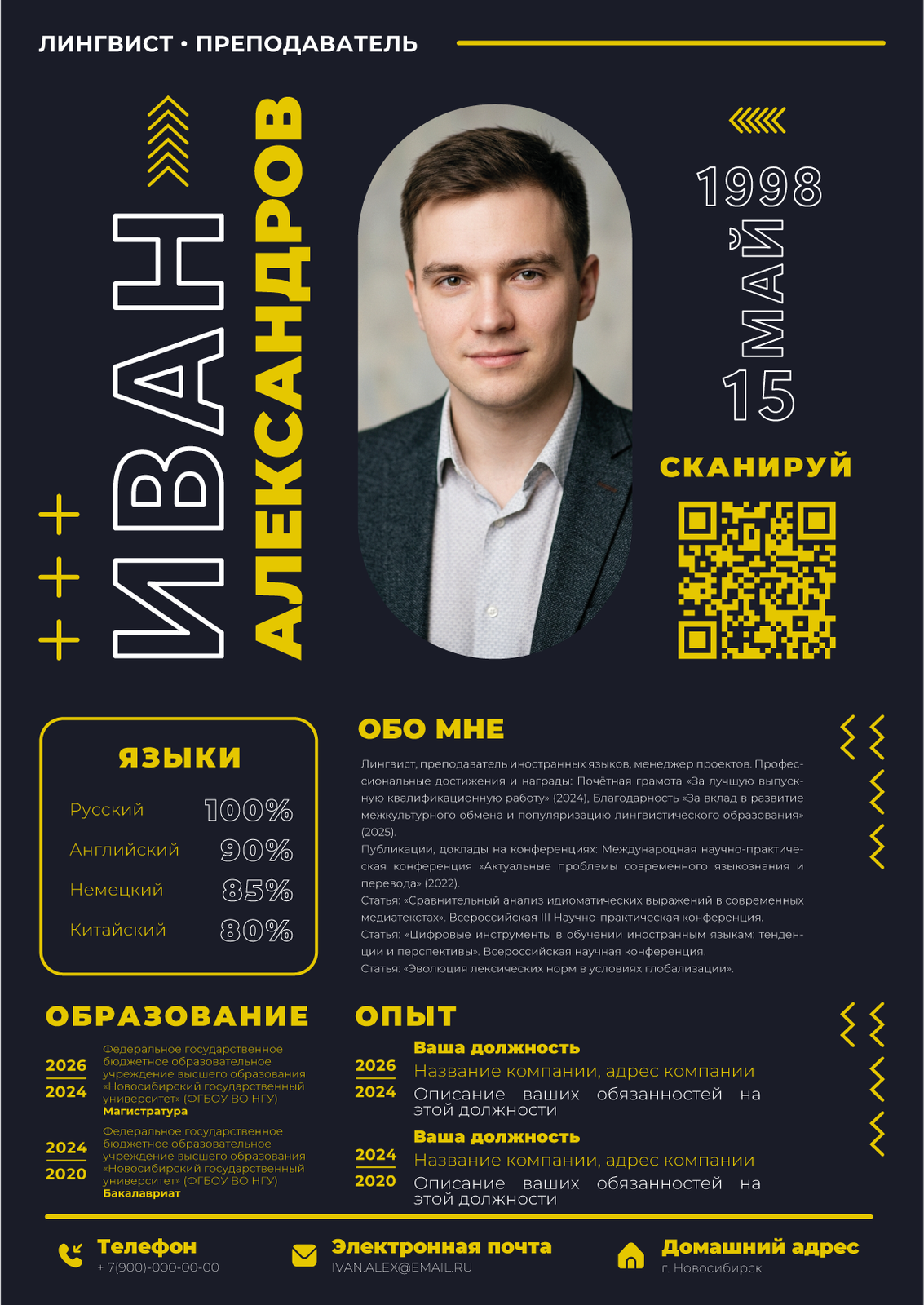
An editable dark portfolio and resume template with a QR code and language percentages: PSD, AI, EPS and PDF, a set of fonts.
The file opens on Boosty right after payment. It is a vector layout: you replace the photo and the texts, and the layout stays ready.
← All templates in the boxIn the archive
Fonts are included: without them the layout opens on another computer with a substituted typeface.
Strengths
Editing
The template files and the fonts open on Boosty right after payment.
AI and EPS open in Adobe Illustrator, CorelDRAW and Inkscape; PSD opens in Adobe Photoshop.
Select the photo frame, paste your own picture and fit the crop to the frame.
Click any block and type: headings, contact details, work experience and skills.
Save the file as PDF to send to an employer, or as JPG to publish in a portfolio.
The template with the strongest character in the box. A dark base, vertical typography in the header and a yellow accent that stops the document from blending into the rest of the pile.
The header is built vertically: the first and last name run as vertical inscriptions next to the photograph in a vertical oval. That rhythm does not go together with any standard template, so the resume is recognised on the recruiter’s desk.
On the right are the year of birth and the city, and below the photograph is a QR code with the caption “scan”. The code replaces a long link: the recipient opens the portfolio in one step.
Below is the “Languages” block with percentages and short aligned lines of “About me”. Languages with percentages take one question off the table at the interview call, and the list of achievements reads as an abstract of the profession.
The photo, the name, the surname, the date and the city, the QR code, the language percentages and the “About me” text.
Those for whom being remembered at once matters: teachers, linguists, translators and any specialist whose work is tied to communication and languages.
Who it is for
Terms
The same set of terms applies to every template in the box.
The terms are the same for all templates in the box.
Questions
The QR code is an ordinary picture in the layout: replace it with your own code — for a portfolio, a channel or a resume on another site.
It is ordinary text: the digits go into the same line. The horizontal bars are vector lines — they can be removed if the percentages are not needed.
Yes, but the yellow becomes grey. For colour printing the layout looks as in the preview.
The “Download this template” button opens the template page on Boosty, where the archive is available after payment.
Yes, commercial use and reselling a filled-in template are allowed.
More in the box
An editable vector resume template for a designer: AI, EPS, PSD, PDF, a set of fonts, English and Russian versions.
View template
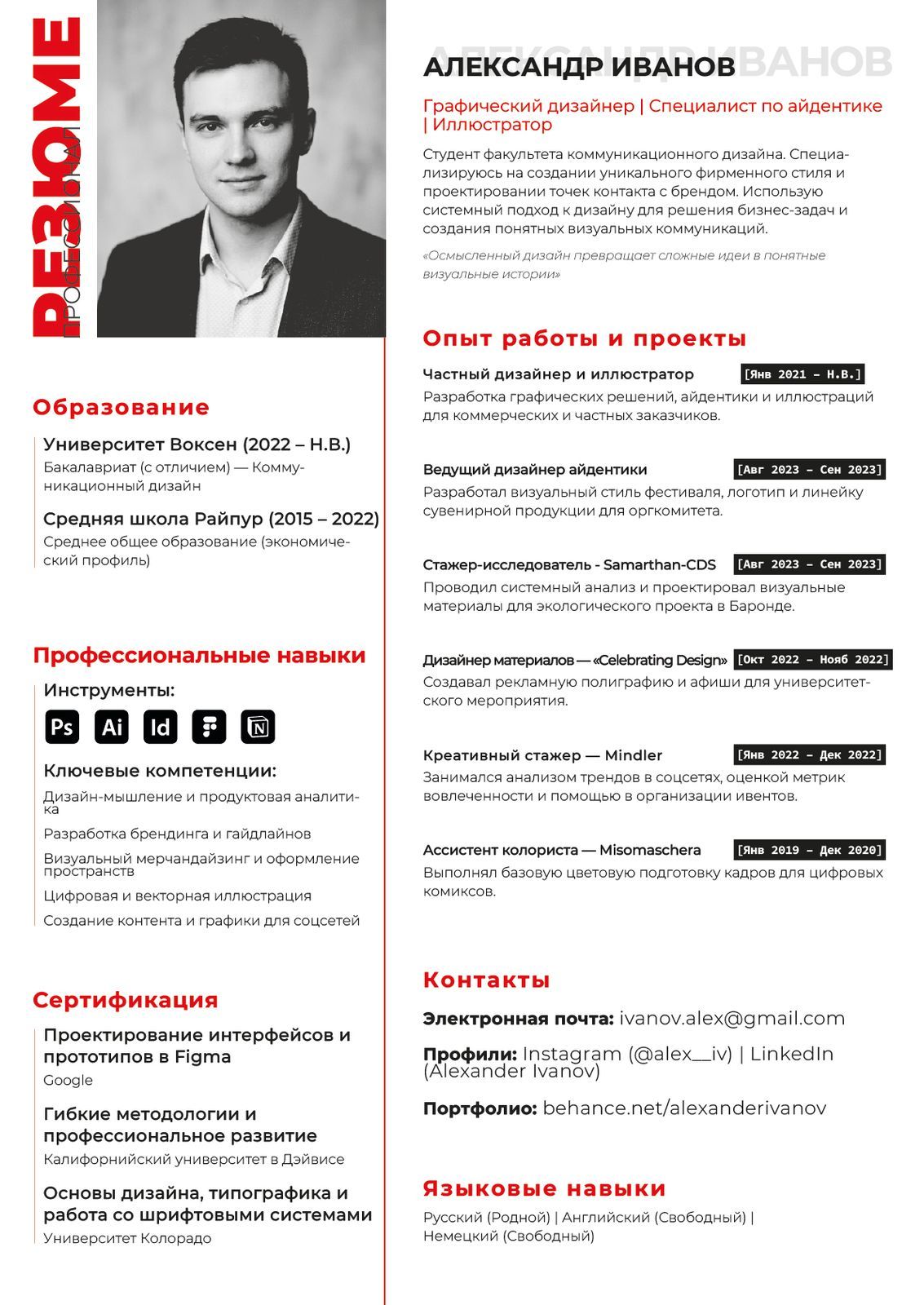
Two versions of a multi-page model resume in Russian and English: editable vector, PSD, AI, EPS, PDF and a set of fonts.
View template
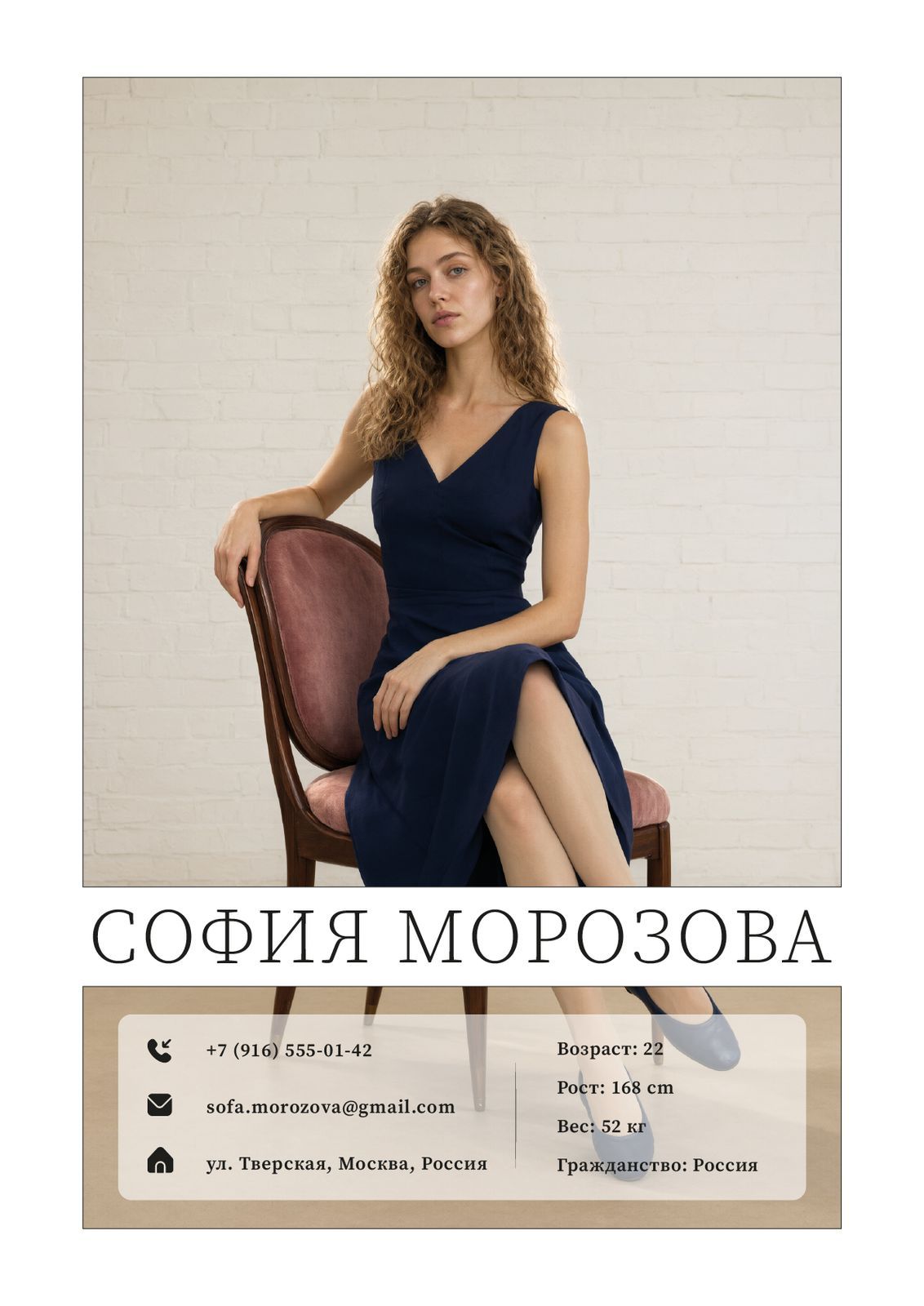
A ready-made editable fashion portfolio and resume design: vector in PSD, AI, EPS and PDF, with a set of fonts.
View template
The set contains all the templates, the large study of the rules for writing a resume and the step-by-step guide with ready-made prompts for AI models: with them you do not have to rewrite the resume text from scratch — it is enough to bring it up to a presentable state.
On air